 Download
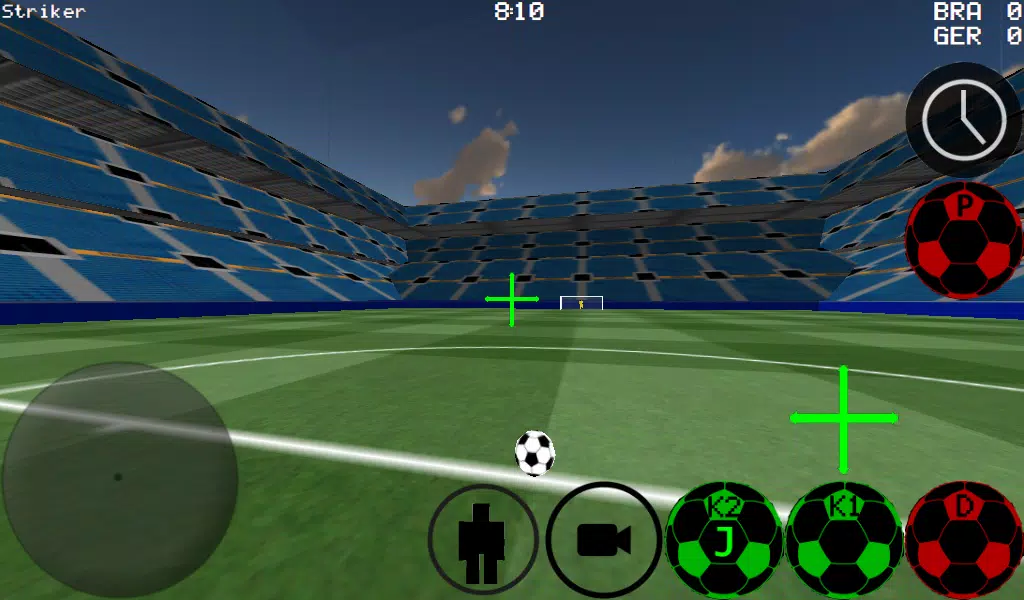
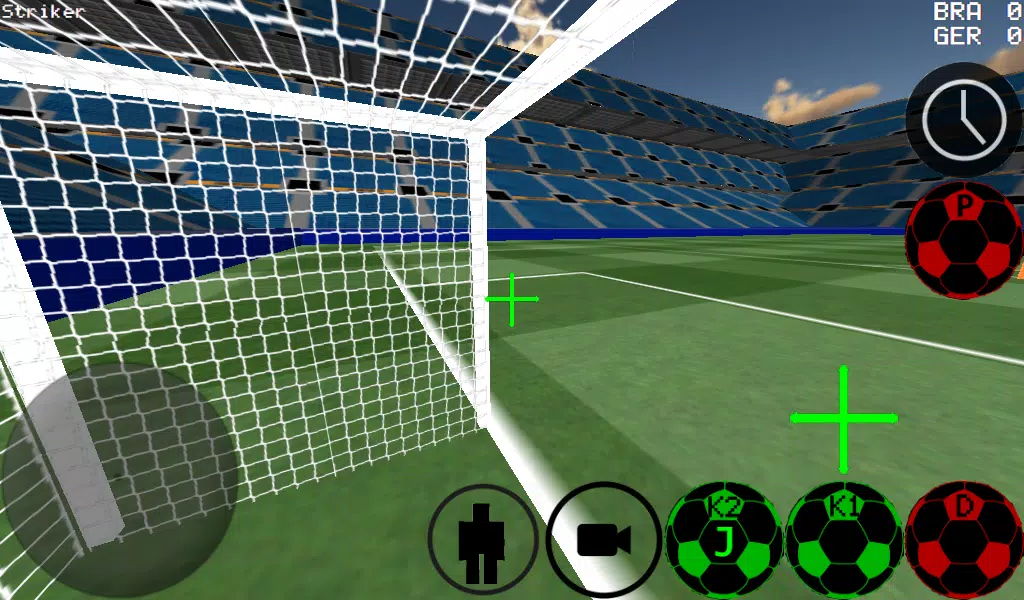
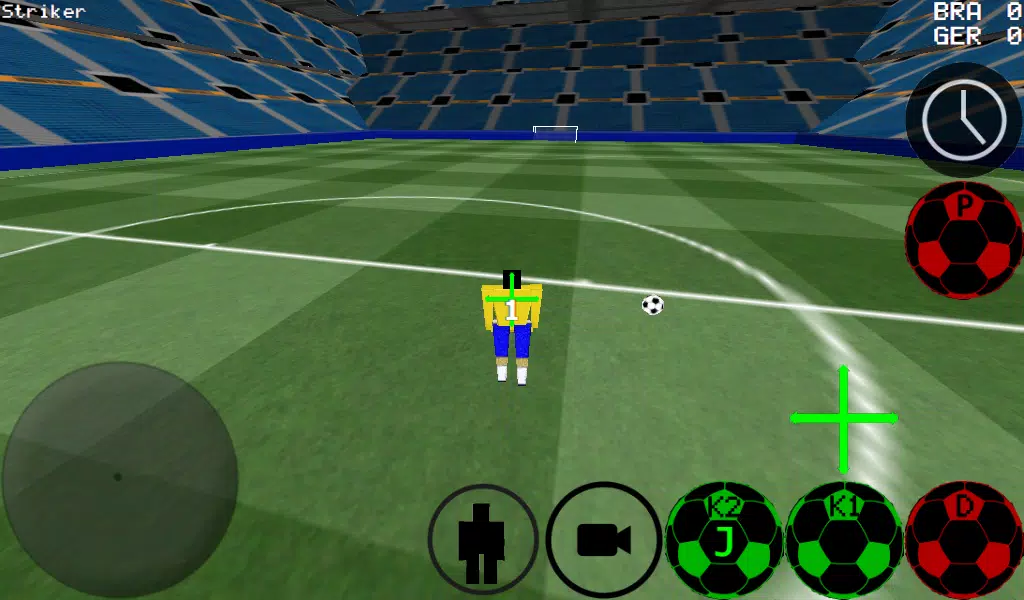
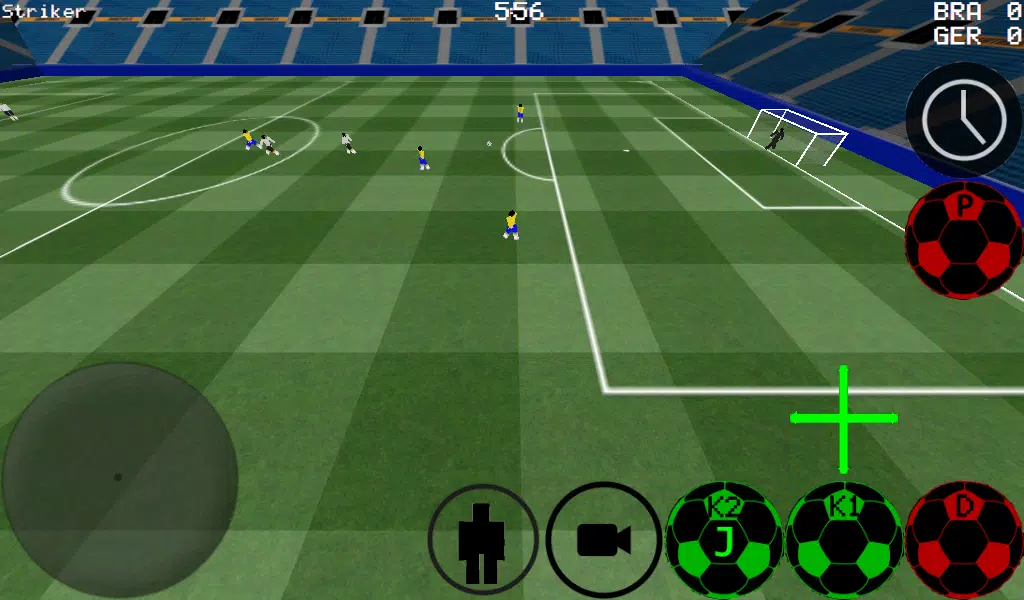
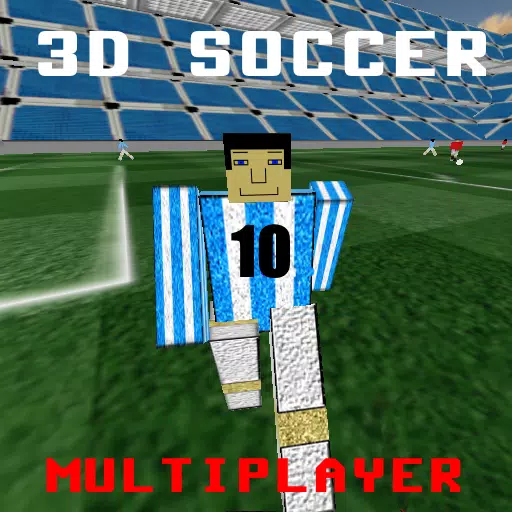
Dive into the thrilling world of soccer with our First Person Soccer Game, where you can experience the action from multiple perspectives including first person, third person, top view, and even a full stadium view. Master the art of the game with advanced ball control, perfecting your dribbling and kicking techniques to outplay your opponents.
Whether you prefer smaller, intense 4 vs 4 matches or the full-scale excitement of 11 vs 11, our game caters to all. Step into the shoes of any player on the field, including the goalkeeper, and take control of the game. Choose between auto dribble for a more relaxed play or manual dribble for precision and control.
Sharpen your skills with dedicated practice modes for free kicks, corner kicks, and against-the-wall drills. Unleash your creativity with freestyle moves and master the art of ball spin to outsmart your opponents. For those crucial moments, utilize the time slow-down feature to line up the perfect shot.
Engage in multiplayer action with support for LAN and internet play, accommodating up to 5 vs 5 matches. The game also features experimental support for Xbox 360 controllers via USB, enhancing your control with the following layout:
- A = Dribble Button
- X = Medium Kick (in Camera Direction)
- Y or RIGHT BUTTON = High Power Kick (in Camera Direction)
- B = PASS (AI passes to player)
- START = Change Camera
- LEFT Button = Slow Time
- UP PAD = Change Player
- BACK = RETURN TO MENU
- RIGHT HAT = Camera Control
- LEFT HAT = Player Movement
To set up a LAN/WAN server, follow these steps:
- Turn on WiFi and ensure it connects to a Router/Modem.
- Click on LAN GAME.
- Click on START SERVER.
- Click Connect once or twice. You are now connected to the server as a player and also as the server.
For the second player to connect to the server:
- Turn on WiFi and ensure it connects to the same Router/Modem as the server.
- Click on LAN GAME.
- Click on CONNECT a few times until connected to the game.
To play over the internet and create a server:
- Port forward port 2500 on the Modem/Router to the IP of your phone or tablet.
- Click on LAN GAME.
- Click on START SERVER.
- Click Connect once or twice. You are now connected to the server as a player and also as the server.
To connect to an internet server:
- Click LAN CONNECT.
- Click IP / TI SERVER.
- Enter the IP of the server (e.g., 201.21.23.21) and click connect IP once or twice until connected.
Experience the game in two different stadiums, adding variety to your soccer adventures. With K1 and K2 kicks directing the ball where you're looking, you're in full control of your soccer destiny.