 Download
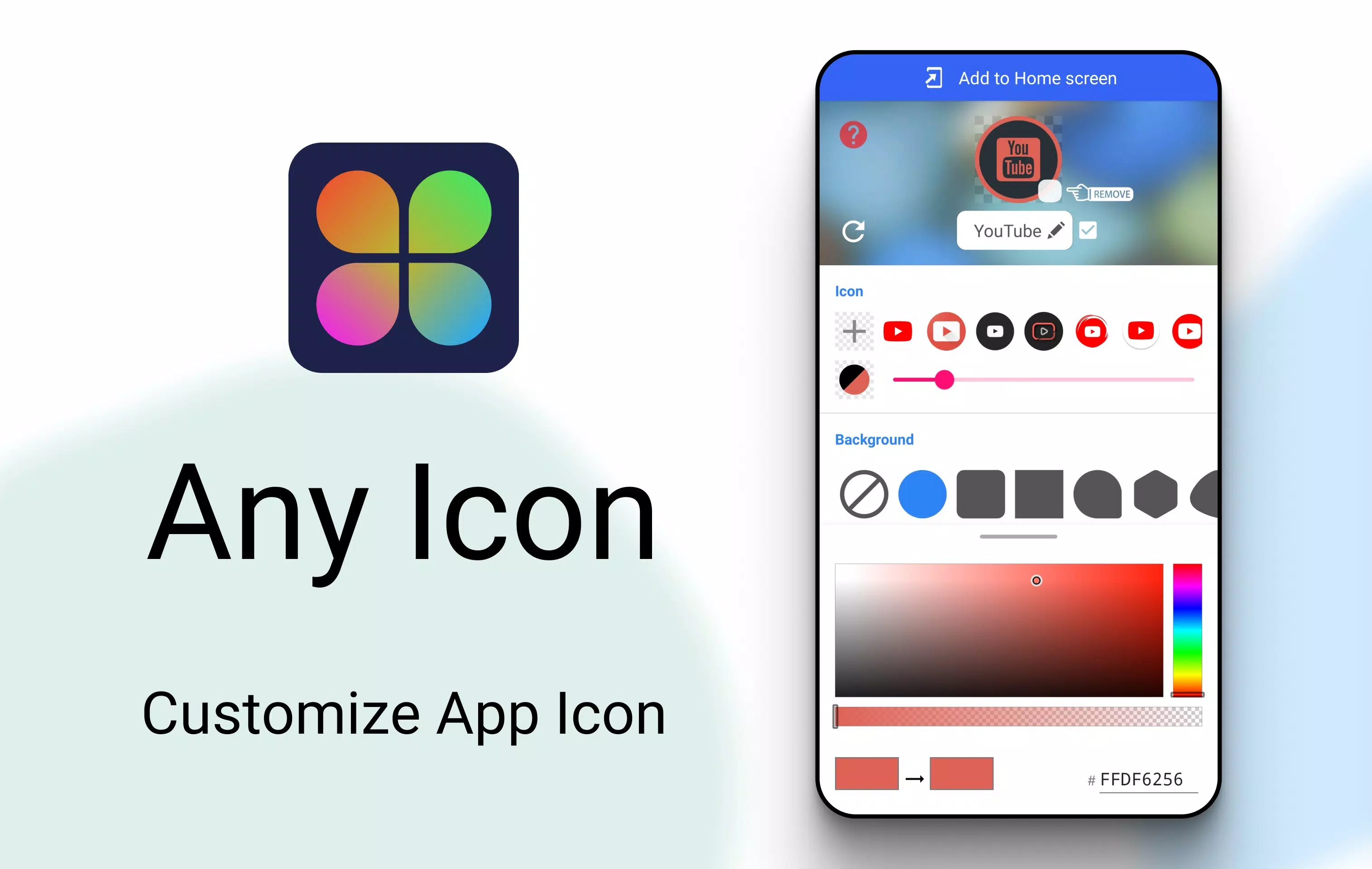
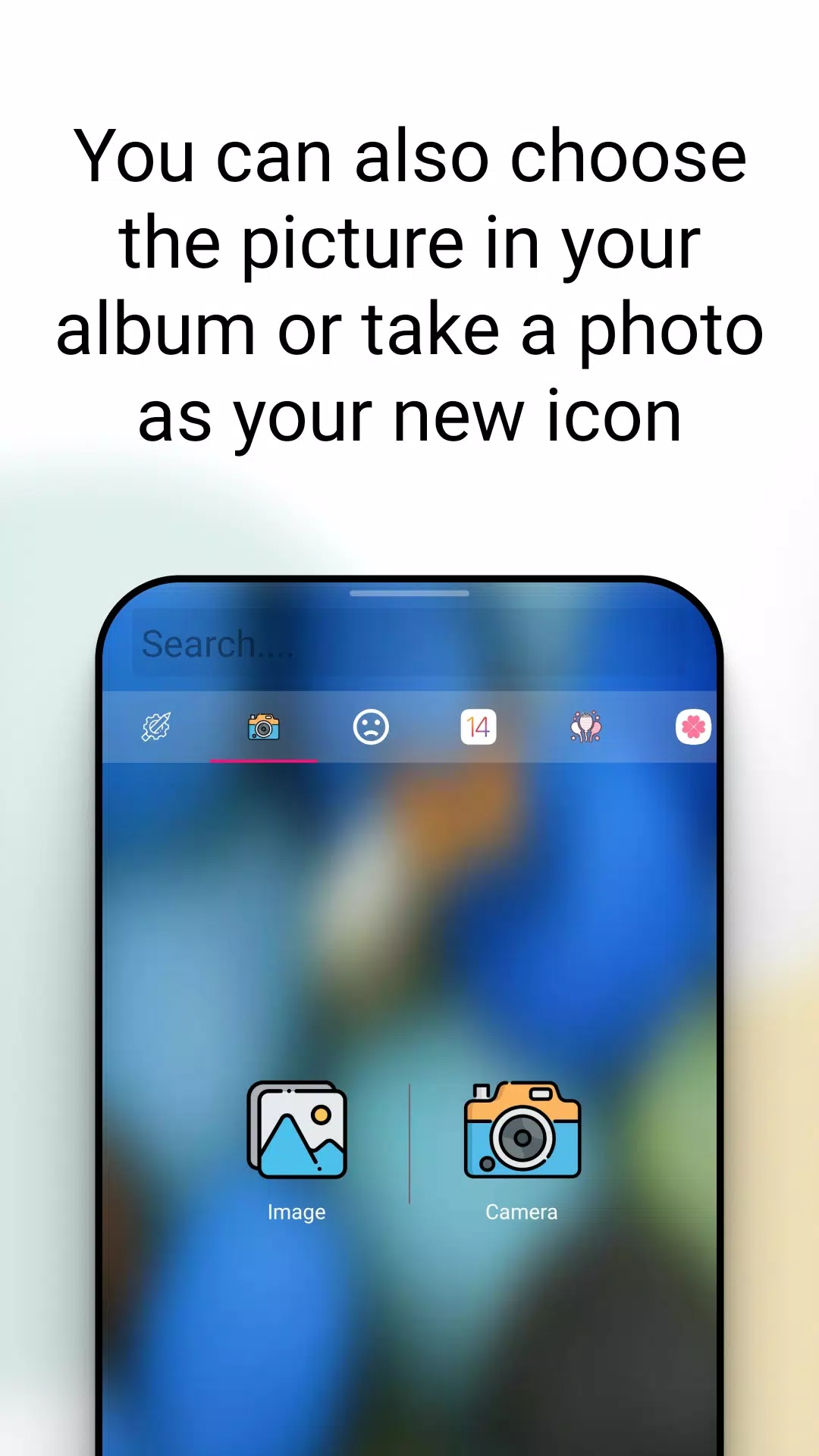
Transform your Android experience with **Icon Changer**, a completely free and highly practical tool designed to revamp your app icons. Utilizing the Android system's shortcut feature, Icon Changer enables you to customize both the icon and name of any application effortlessly. With a vast library boasting tens of thousands of icons and styles, you can also select images directly from your gallery or camera. Our app seamlessly creates a new shortcut adorned with your chosen icon right on your home screen, offering the simplest way to personalize your Android device.
How to Use Icon Changer:
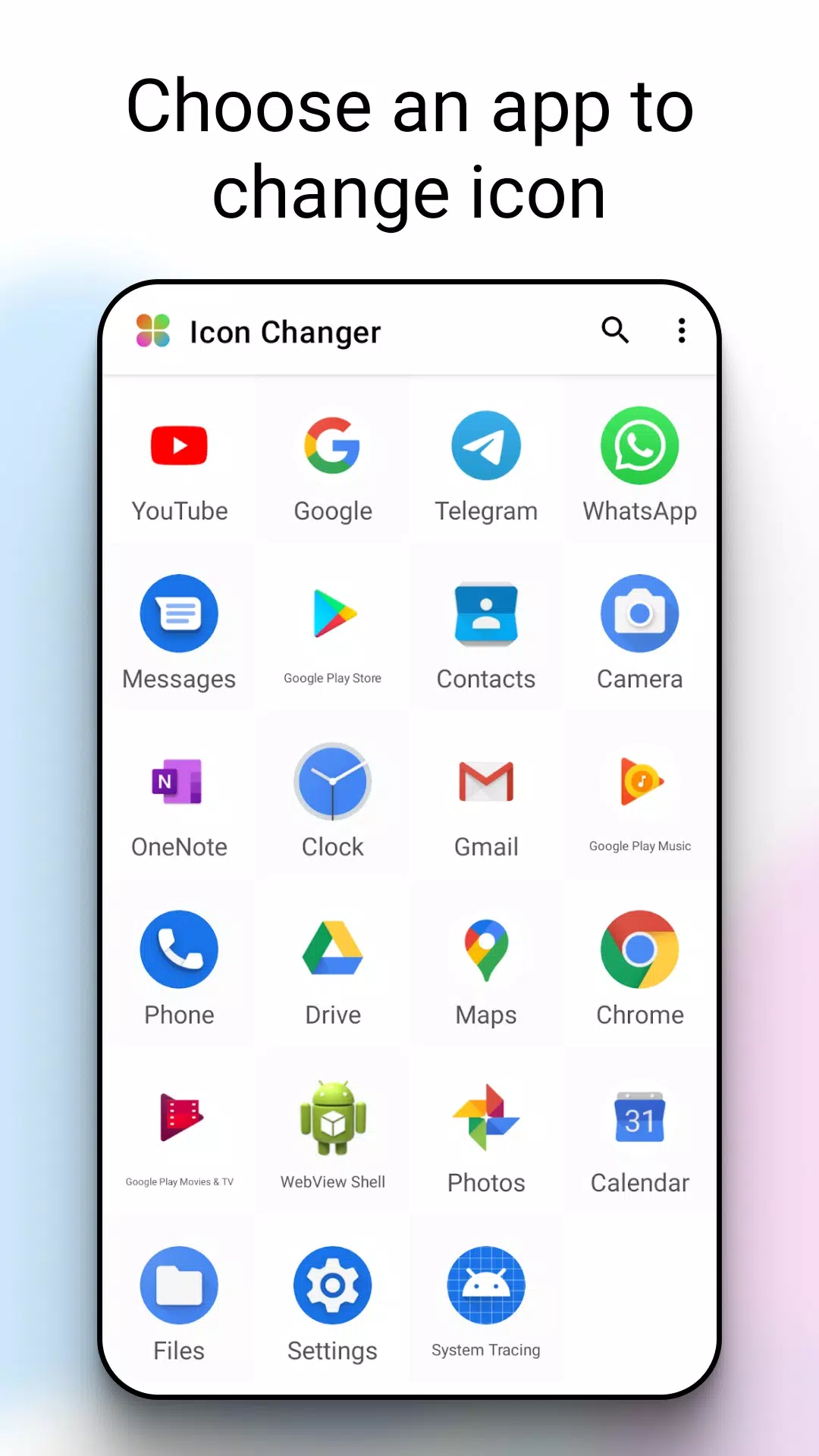
Launch Icon Changer.
Choose the application whose icon you wish to modify.
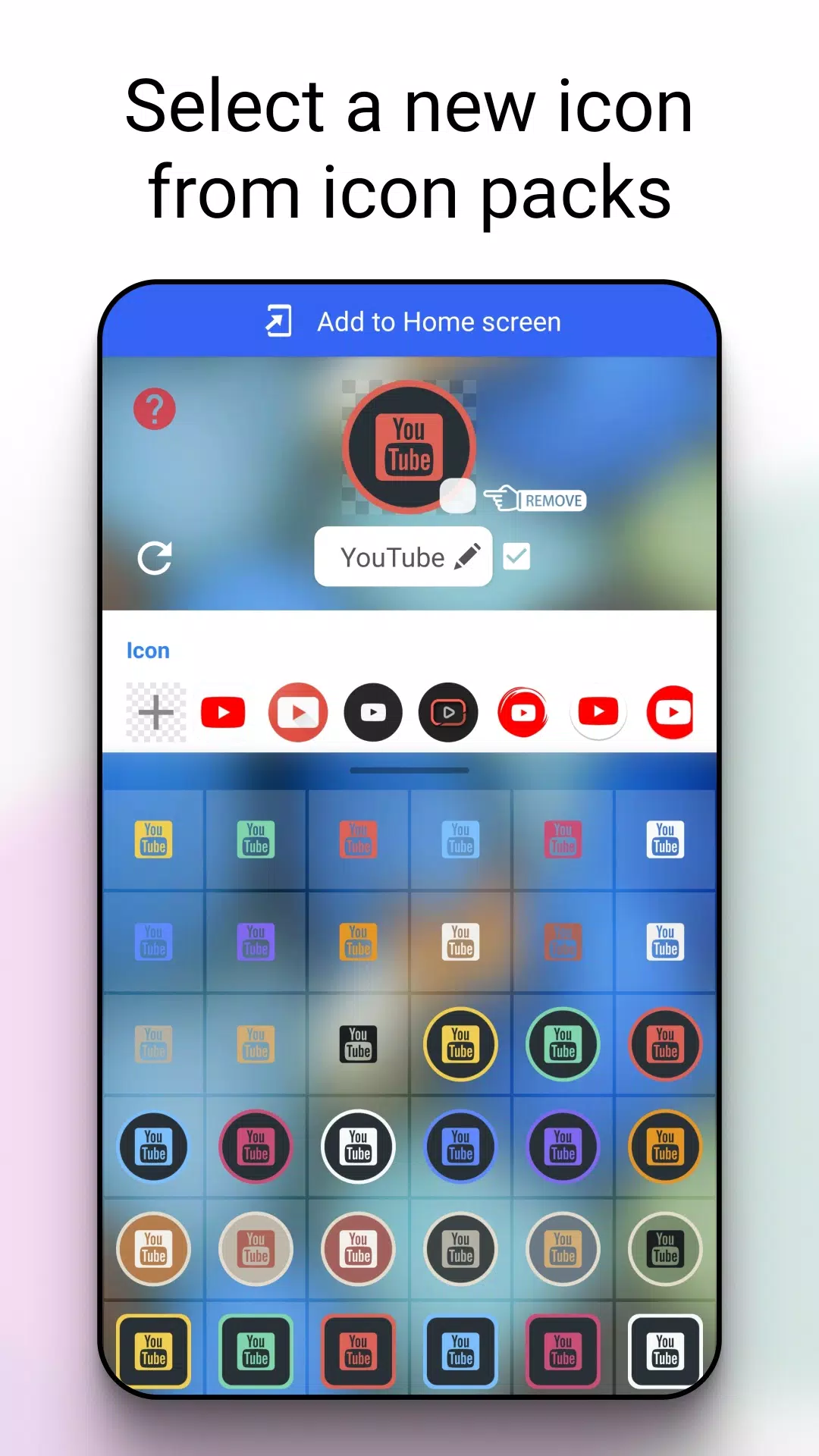
Select a fresh image from our extensive built-in icon collection, your gallery, other app icons, or even third-party custom icon packs.
Optionally, rename the application. If you prefer, you can leave the name field blank.
Navigate to your home screen or desktop to admire your newly customized shortcut icons.
About Watermarks:
Some Android systems automatically add a watermark to shortcut icons. Icon Changer offers a solution to change app icons perfectly without relying on widget technology. However, this method might not be effective on all devices. If your custom icon still displays a watermark, follow these steps to resolve it:
On your home screen, press and hold an empty space, then select "Widgets" from the bottom menu.
Locate Icon Changer in the widget section, touch and hold it, then drag it onto your launcher.
Now, proceed to create your icon without the watermark.
What's New in Version 1.8.7
Last updated on Aug 29, 2024
We've made minor bug fixes and enhancements in this latest update. Ensure you install or update to version 1.8.7 to experience these improvements firsthand!