 Download
Introducing the Android TV Keyboard with REST API, a must-have app for smart home enthusiasts and Android TV users. This app allows direct commands from your smart home devices to your Android TV, making it easier than ever to control your TV from anywhere in your home. With a simple installation process and support for a wide range of commands, including sleep, home, back, search, and more, this app offers seamless integration with popular platforms like Samsung Smartthings. Download now and take full control of your Android TV with the Android TV Keyboard with REST API.
Features of the App:
- Smart Home Integration: This app allows direct commands from smart home devices to your Android TV, making it easy to control your TV through your home automation system.
- REST API: The app hosts a REST API, allowing it to listen for certain commands from the network. This means you can use any HTTP client to send commands to your Android TV.
- Easy Integration with Samsung Smartthings: The app provides a ready groovy device handler for seamless integration with the Samsung Smartthings platform. Simply follow the provided steps to get it set up.
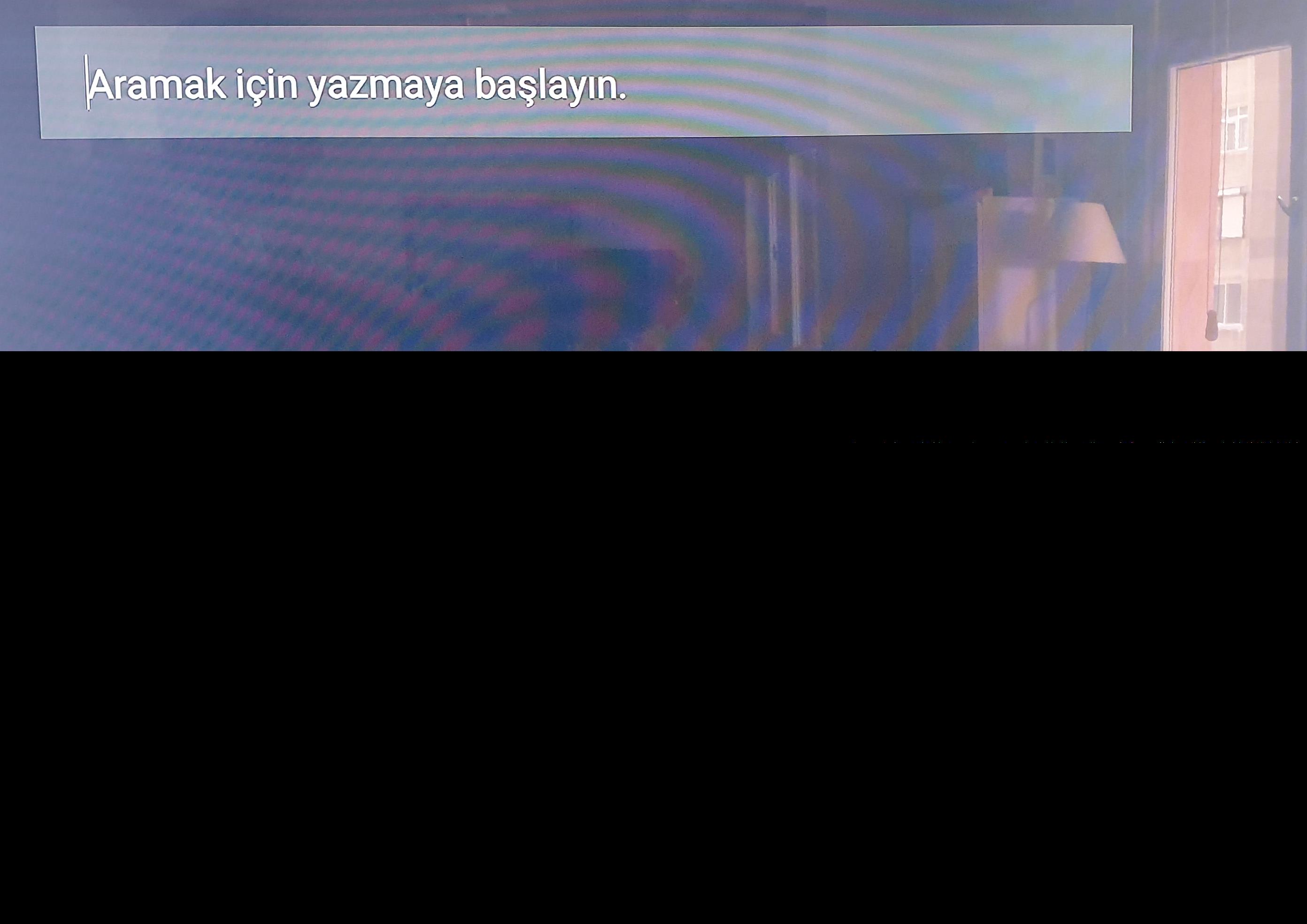
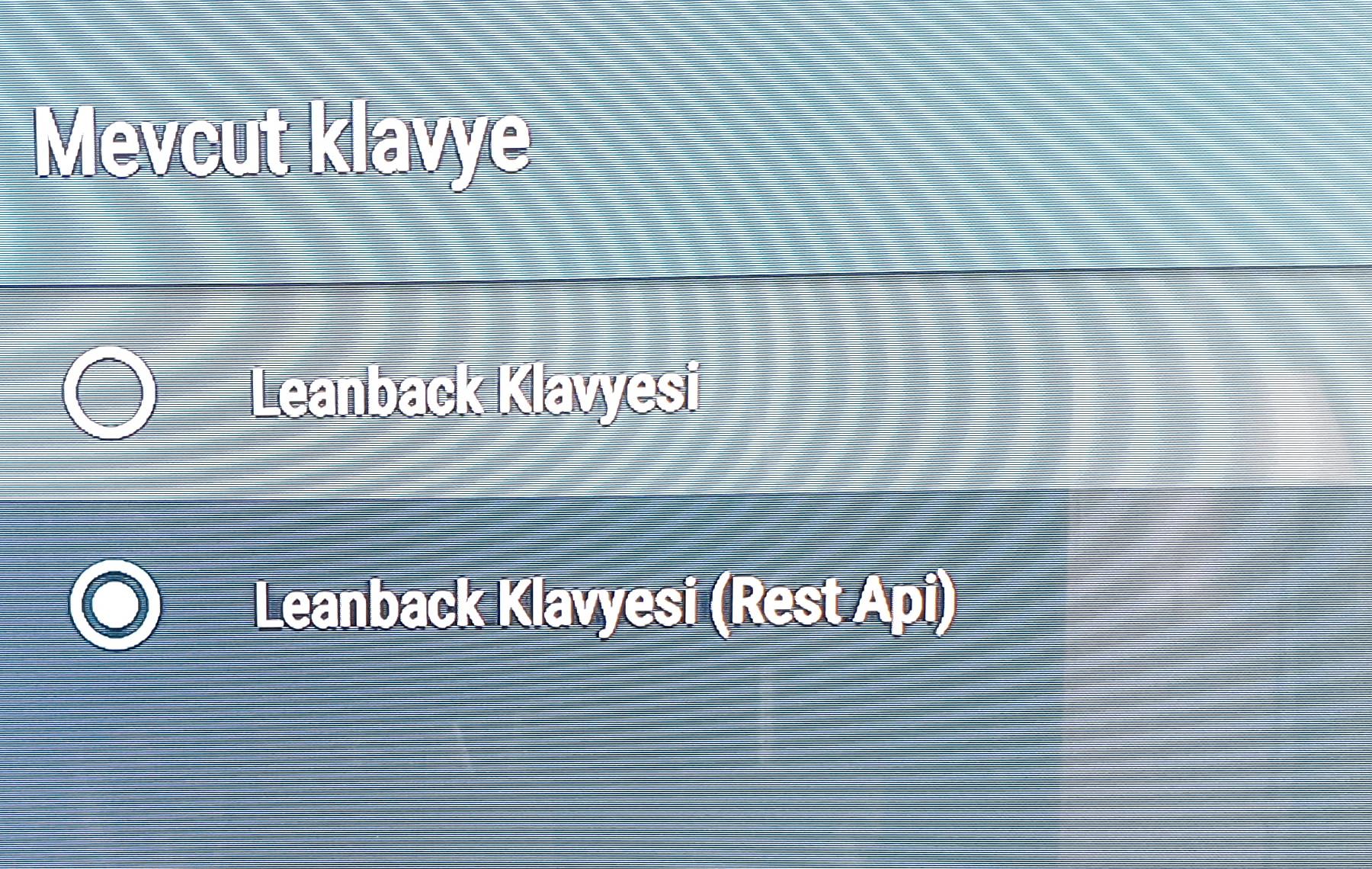
- Flexible Usage: In addition to Smartthings, the app can be used in any other environment. Simply install it on your Android TV and select it as the active keyboard from the settings.
- Supported Commands: The app supports a variety of commands including sleep, home, back, search, navigation arrows, volume control, media playback controls, and more. You can easily navigate through your Android TV using these commands.
- User-Friendly Setup: The app provides step-by-step instructions for setting up the keyboard and creating a device handler, making it easy for users to get started.
Conclusion:
With this app, controlling your Android TV becomes a breeze. Whether you have a smart home setup or not, this app offers a convenient way to interact with your TV using commands from various devices. Its seamless integration with Samsung Smartthings and support for other environments make it a versatile choice. Simply follow the instructions, install the app, and start enjoying effortless control over your Android TV. Click the download button now to give it a try!