 Download
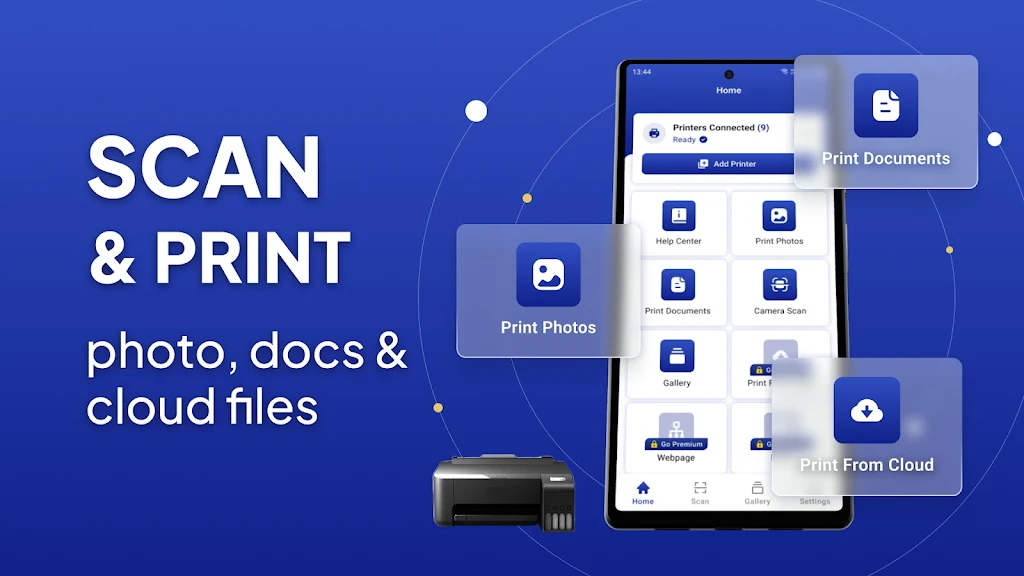
Mobile Printer: Print & Scan is the ultimate app for all your printing needs. Whether you're at home, at work, or on the go, this app lets you easily print documents, PDF files, bills, receipts, boarding passes, and even photos and web pages. With a wide range of compatible printers, including WiFi, Bluetooth, and USB printers, you can print directly from your Android smartphone or tablet without needing any additional software or tools. The app also offers advanced features like multiple printing choices, borderless photo printing, and compatibility with various printer models.
Features of Mobile Printer: Print & Scan:
- Print from various devices: This app allows you to print directly from your Android smartphone or tablet to almost any inkjet, laser, or thermal printer. It supports a wide range of printers, including popular brands like HP, Canon, Brother, Samsung, Xerox, and more.
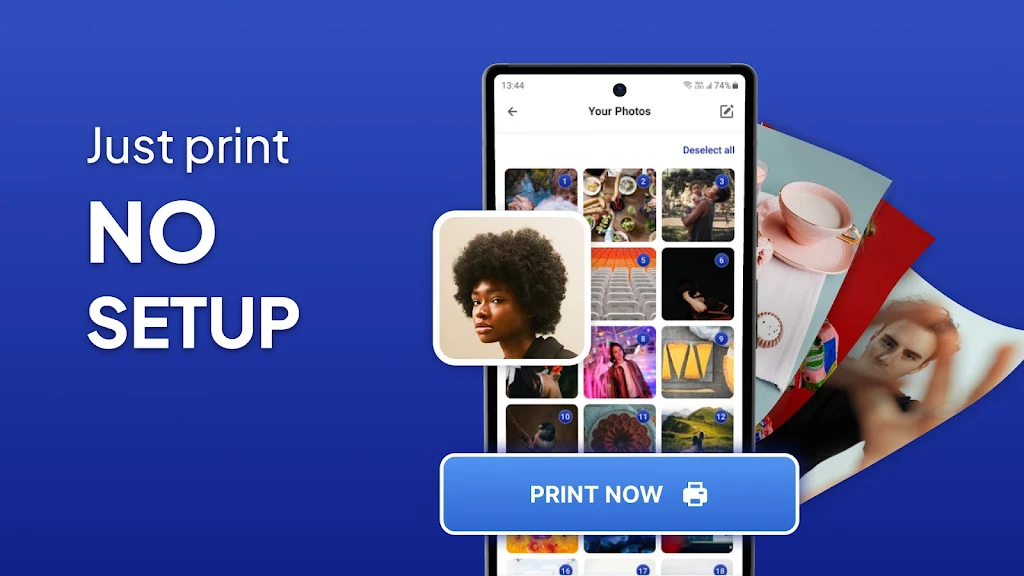
- Versatile printing options: You can print a variety of content such as pictures (JPG, PNG, GIF, WEBP), Microsoft Office documents (Word, Excel, PowerPoint), and PDF files. The app also supports printing multiple photos on a single page, making it convenient for photo albums or collages.
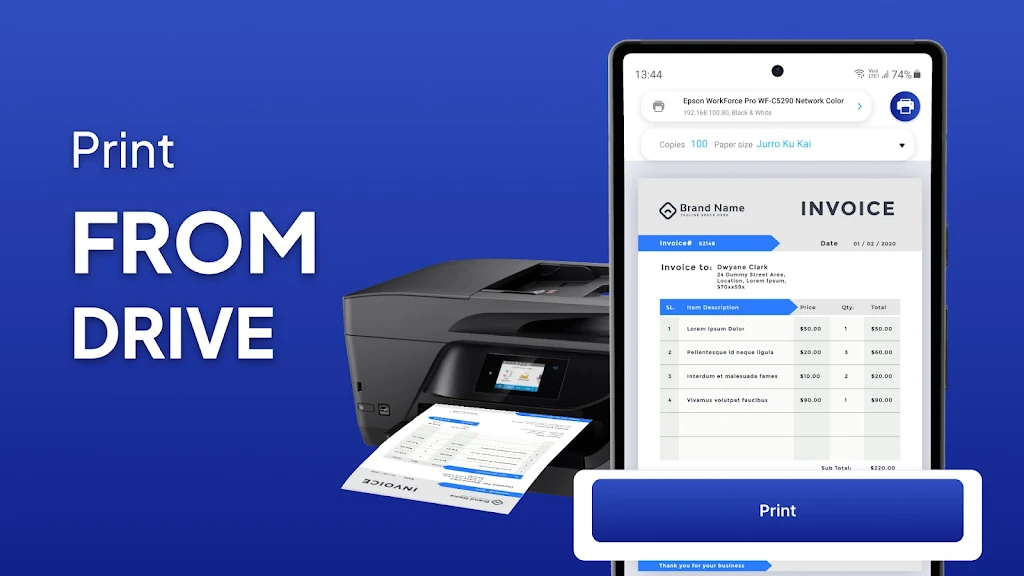
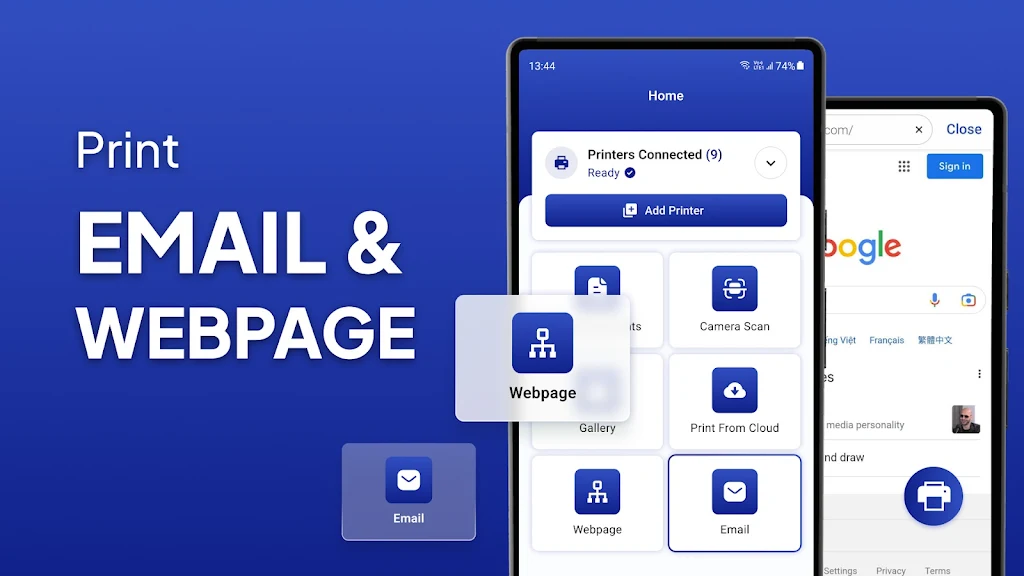
- Access files from different sources: Not only can you print locally saved files, but you can also print attachments from emails (PDF, DOC, XSL, PPT, TXT), files from Google Drive, and other cloud storage services. Additionally, the built-in web browser allows you to print HTML pages directly.
- Easy connection methods: The app supports printing via WiFi, Bluetooth, and USB-OTG, making it convenient to connect to your printer whether it is nearby or far away.
- Advanced printing features: Enjoy a range of advanced printing choices, such as specifying the number of copies, collating pages, selecting page range, choosing paper size and type, and adjusting output quality. The app also offers more than 100 templates, regularly updated for free, for personalized prints like cards, postcards, calendars, and photo frames.
- Additional compatibility and features: The app supports borderless photo printing on matte or glossy paper, both color and monochrome options. It is compatible with AirPrint, Mopria, Windows printer share (SMB/CIFS), and Mac/Linux printer share (Bonjour/IPP/LPD). It also offers mobile thermal printing for on-the-go needs.
Conclusion:
Mobile Printer: Print & Scan provides a seamless and efficient printing experience. Whether you need to print personal photos, important documents, or web pages, Mobile Printer: Print & Scan has you covered. Download now to experience hassle-free printing anytime, anywhere.