
Roblox: Latest DRIVE Codes (January Update)
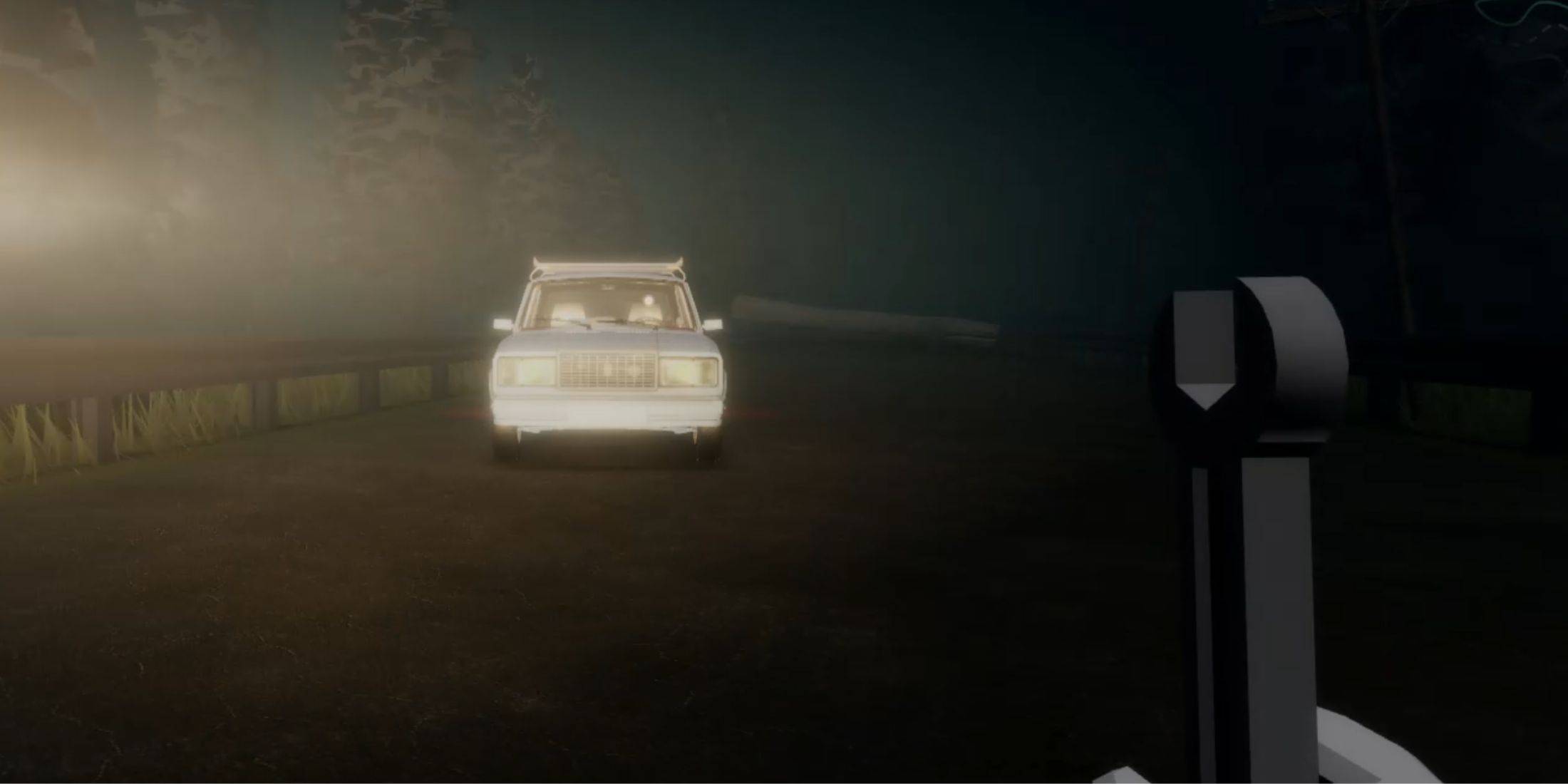
DRIVE is an exceptional roguelike horror game that, among other Roblox experiences, will definitely impress you and evoke vivid emotions. Here, solo or in co-op, you'll need to survive in a gloomy world, avoiding scary monsters and repairing your car because it's the only thing that can keep you alive.
To have a great boost at the beginning or a nice bonus if you are an experienced player, you can redeem DRIVE codes. Each code offers useful rewards, such as Parts, local currency, or Revives, which will definitely come in handy in your endless adventures.
Updated January 6, 2025, by Artur Novichenko: We are always ready to add new codes. Follow the updates on this page.
All DRIVE Codes
Working DRIVE Codes
- FunWithFamily - Redeem this code to get 200 Parts and 1 Revives.
- HappyCamper - Redeem this code to get 100 Parts and 2 Revives.
Expired DRIVE Codes
- FirstCode - Redeem this code to get 100 Parts and 2 Revives.
Considering how difficult and scary it is to survive in the dark lands of the DRIVE world, things like Parts and Revives will definitely come in handy. Instead of wasting several hours of play, you can get them quickly and easily by redeeming DRIVE codes, so hurry up.
How to Redeem Codes for DRIVE
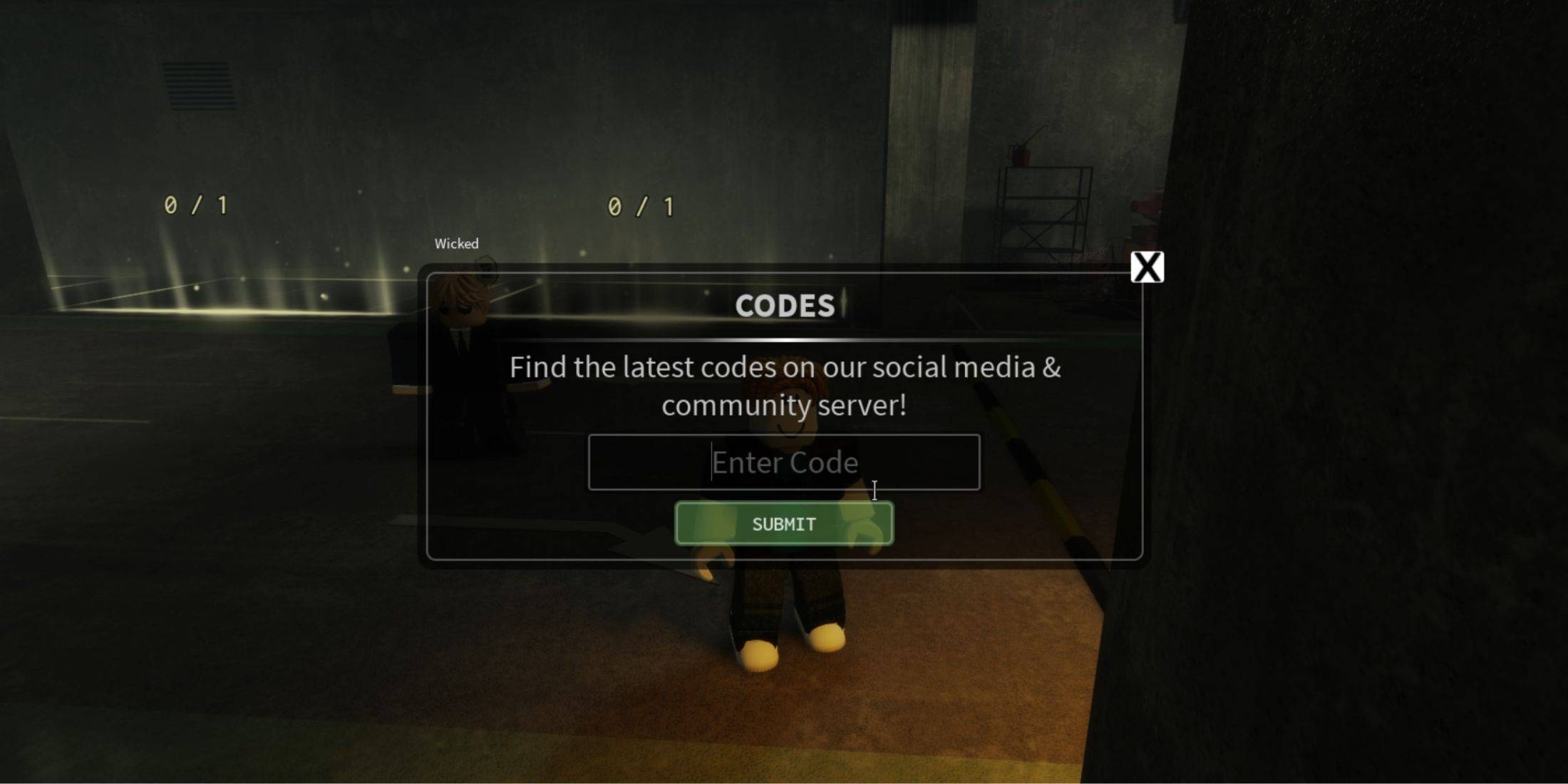
DRIVE's redemption system is not complicated, and the same is often found in other Roblox games. You can do it as soon as you enter the game, so if you're ready, here are the instructions on how to redeem DRIVE codes:
- Launch DRIVE.
- Pay attention to the upper left part of the screen, there will be several buttons arranged in a row. Among them, interact with the last one, which says Codes and a tweeter icon.
- This will open the redemption menu. There will be an input field and a green Submit button below it. Now, enter manually, or better yet, copy and paste one of the above-mentioned active codes into the input field.
- Lastly, click on the green Submit button to submit your reward request.
If you have followed the instructions correctly and the codes are working, you will see a notification of successful redemption below the redemption menu and the rewards will be credited to your account.
How to Get More DRIVE Codes
Similar to most other Roblox experiences, you can find codes for DRIVE on various official social media pages. Namely, you can find them by visiting the official Roblox group or on the official Discord server of the game in the announcements tab.
-
 Video game adaptations are dominating entertainment right now. This month alone brings us The Minecraft Movie, the Devil May Cry anime series, and the continuing second season of The Last of Us. Adding to this lineup is the new film adaptation of SonAuthor : Christopher Dec 27,2025
 -
 Hitman: Absolution is now available on iOS and AndroidExperience this polarizing yet unique installment in the franchiseAgent 47 turns rogue in this finely-tuned mobile port of AbsolutionFeral Interactive has a strong track record of delivering remarAuthor : Carter Dec 26,2025















- Stardew Valley: How To Befriend Willy
- DISCOVERY CHANNEL TO UNVEIL CROSSOVER IN 'Reverse: 1999' 2.0
- Crunchyroll Game Vault adds Battle Chasers: Nightwar, Dawn of the Monsters, Evan’s Remains and more
- Hotta Studio's Open-World RPG, Neverness to Everness, Announced
- Military Strategy Game Warpath Launches a Navy Update with 100 New Ships
- Half-Life 3 Speculations Spark Again as Risk of Rain Original Devs Join Valve's Game Dev Team