 Download
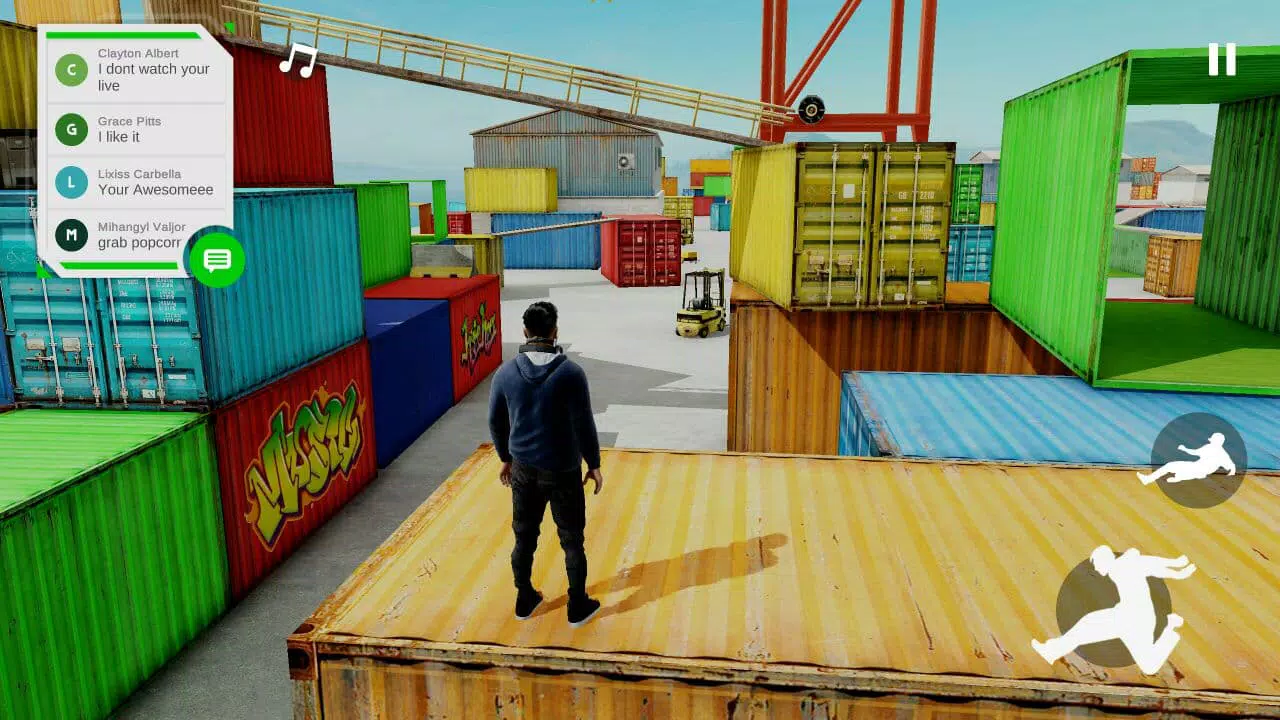
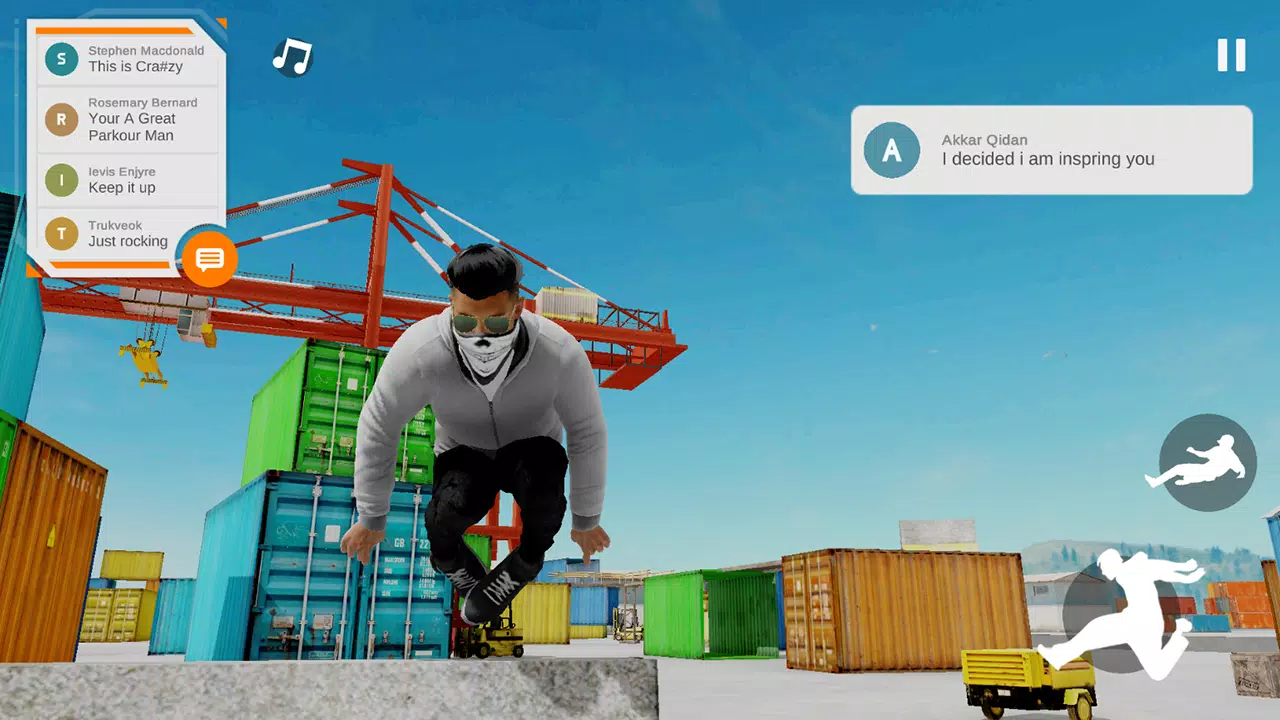
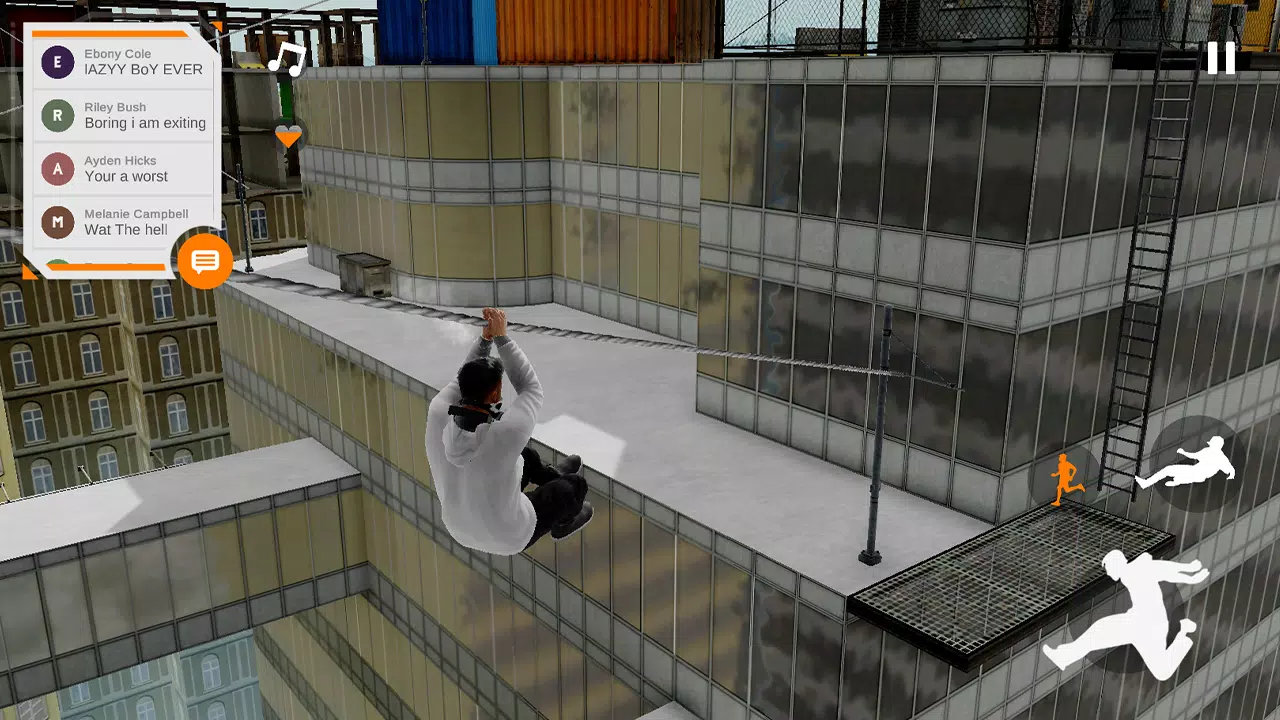
Dive into the vibrant world of Rysen Dawn, where parkour meets live streaming in a thrilling mobile experience. You'll step into the shoes of RYSEN, a charismatic live streamer who captivates audiences with his breathtaking parkour skills, earning revenue and fame along the way. Your mission? To showcase your finest parkour moves and rise to the top as a celebrated streaming master, drawing in more followers with every daring leap and fluid run.
Ready to start your journey? Download Rysen Dawn for Windows and immerse yourself in this dynamic game.
Features & Highlights:
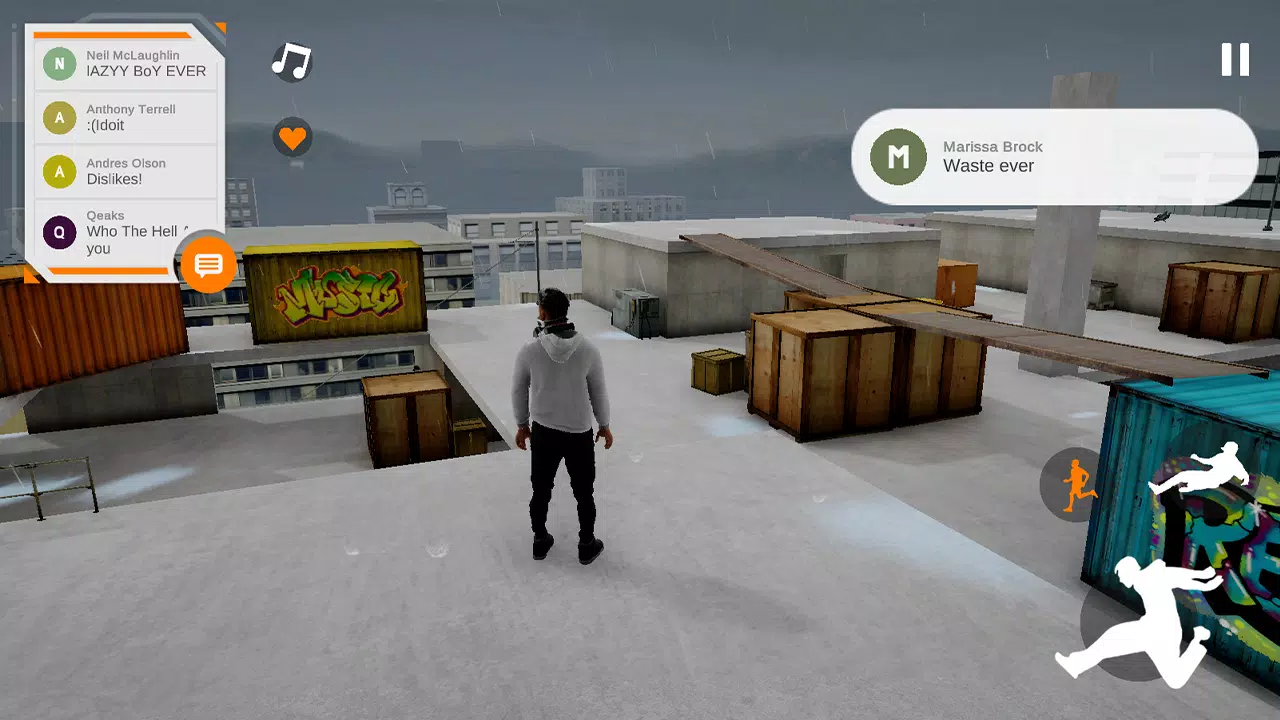
- Next-Gen Mobile Graphics: Experience stunning visuals that bring the urban landscapes to life.
- Comfortable On-Screen Controllers: Designed for ease of use, allowing you to focus on your performance.
- Interactive NPCs: NPCs react to your emotes, adding a layer of realism and engagement to your streams.
- In-Game Music System: Equip your headphones and tune into your favorite tracks as you perform. The emote system lets you dance and execute simple parkour tricks to the beat.
- Photo Mode: Capture your most epic moments with an in-game photo mode, perfect for sharing with your followers.
- Sponsorship Opportunities: Secure sponsors for your live streams to boost your in-game earnings.
- Smooth 60FPS Gameplay: Enjoy seamless parkour action at a buttery-smooth 60 frames per second.
Photo Mode Details:
- Screenshots are saved in InternalStorage/R-USER Games/RysenDawn/Screenshots (for Android 10 & 11 users: InternalStorage/Android/data/com.rusergames.rysendawn/files).
- Resolution settings do not impact your screenshots. Even if you capture at 30% resolution, the photo mode will convert it to 100% resolution automatically.
Music Integration:
- To enjoy music in-game, you must unlock and equip headphones before loading your tunes.
- Store your music files in InternalStorage/R-USER Games/RysenDawn/Musics (for Android 10 & 11 users: InternalStorage/Android/data/com.rusergames.rysendawn/files).
- The game supports only *.mp3 files.
- With Auto Scan Music enabled in settings, your music will be ready without further action. Otherwise, use the load music button located in the top right after enabling headphones in the emote wheel.
Important Notes:
- Ensure your device has at least 2GB of RAM to run the game smoothly.
- If you encounter a black screen, make sure to grant all necessary permissions to the app.
What's New in Version v1.41
Last updated on Oct 2, 2023
- New Cloth Physics: Enhanced realism with clothing that moves naturally, even revealing the player's belly for a more immersive experience.
- Fixed "Player Float in the Air" Bug: The tutorial level no longer features this pesky glitch.
- Improved Game Performance & Reduced Size: Enjoy a smoother gameplay experience with a smaller download footprint.







![A Father’s Sins – Going to Hell [Ch. 7 Public] By Pixieblink](https://imgs.jzi.cc/uploads/67/1719578270667eae9eb6a75.jpg)