 Download
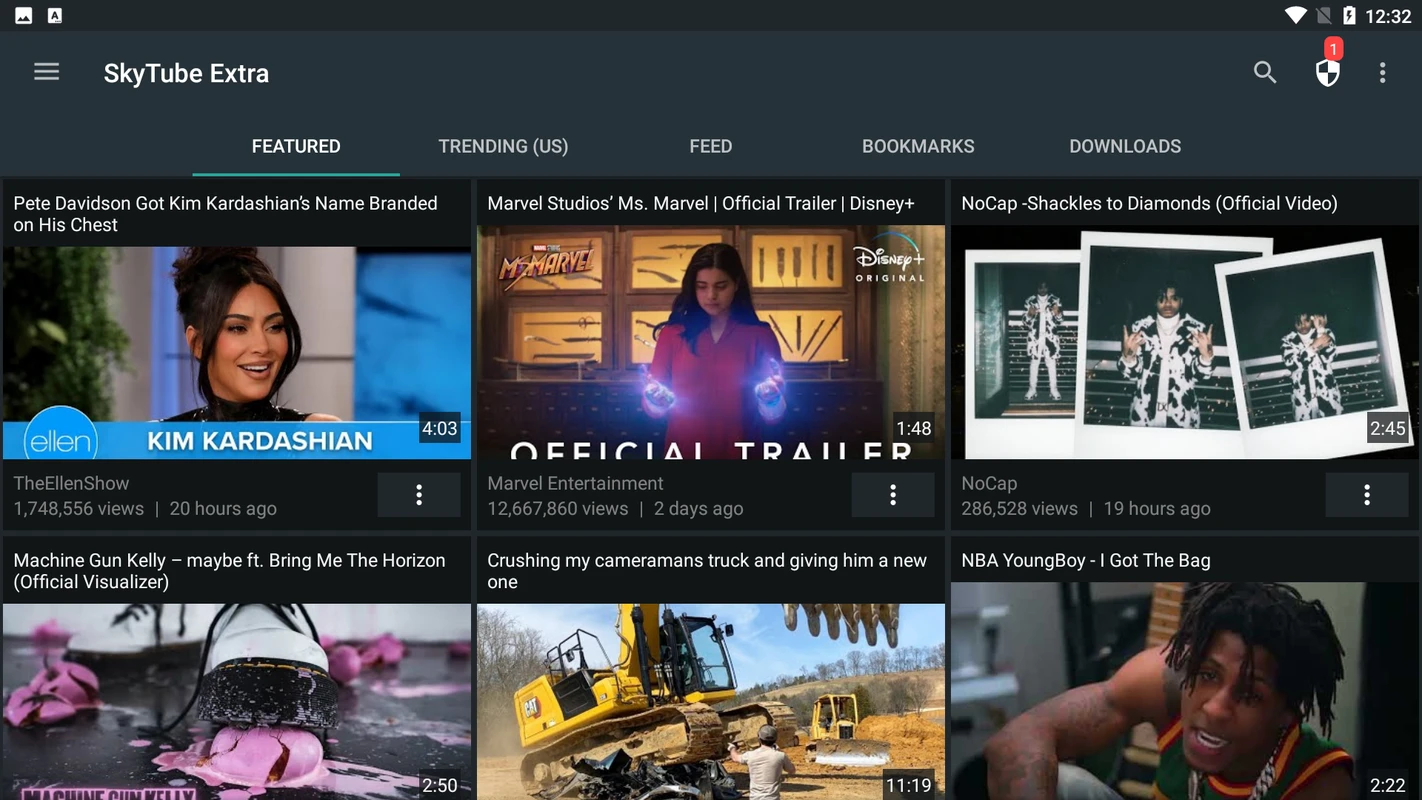
SKYTUBE is a powerful, open-source, third-party YouTube client designed specifically for Android users, aiming to revolutionize your YouTube viewing experience. With its focus on providing a clean and customizable interface, SKYTUBE ensures you have full control over how you consume content. Here are some of the standout features:
Highlights of SKYTUBE:
- Ad-Free Experience: Say goodbye to interruptions. Enjoy your videos without any ads, making your viewing sessions smoother and more enjoyable.
- Video Downloading: Love a video? Download it for offline viewing. SKYTUBE makes it easy to save your favorite YouTube content for watching later, without an internet connection.
- Subscription Import: Seamlessly import your existing YouTube subscriptions into SKYTUBE. Continue enjoying your favorite channels without missing a beat.
- Block Unwanted Content: Take control with the built-in video blocker. Filter out content you don't want to see, whether it's specific videos, channels, or even content based on certain criteria.
- Customizable Interface: Adjust your viewing experience with swipe controls for volume and brightness, quick access to comments, and video descriptions, making navigation a breeze.
Features of SKYTUBE:
- Utilize the video blocker to steer clear of unwanted content.
- Effortlessly explore popular videos and channels.
- Bookmark videos you love for instant access later.
- Experience uninterrupted viewing with an ad-free interface.
- Access all YouTube content without needing a Google or YouTube account.
- Enjoy ad-free viewing without the necessity of a YouTube Premium subscription.
How to Use SKYTUBE:
- Download: Since SKYTUBE isn't available on the Google Play Store, download the APK from a trusted source to ensure safety and reliability.
- Install: Install the downloaded APK file on your Android device.
- Open: Launch SKYTUBE and grant the necessary permissions to ensure full functionality.
- Explore: Navigate through the app's user-friendly interface to find videos, channels, and trending content that interest you.
- Import Subscriptions: Easily import your YouTube subscription data to personalize your SKYTUBE feed with your favorite channels.
- Download Videos: Look for the download icon beneath the videos you want to save for offline viewing.
- Adjust Settings: Tailor the app to your preferences by adjusting settings like video quality and playback speed.
- Block Content: Customize the video blocker to filter out content based on channels, languages, view counts, or dislike ratios, ensuring a more enjoyable viewing experience.