
 Download
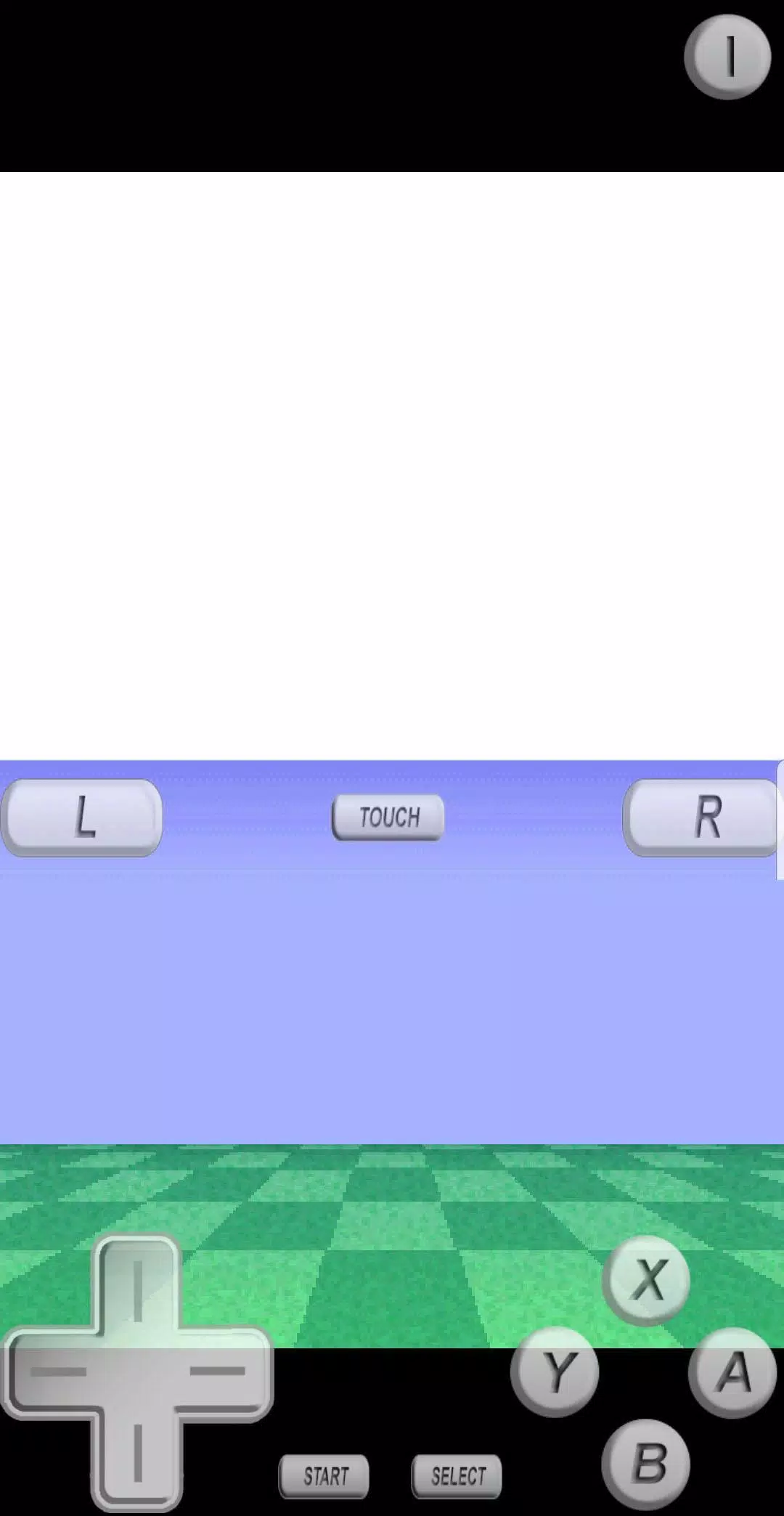
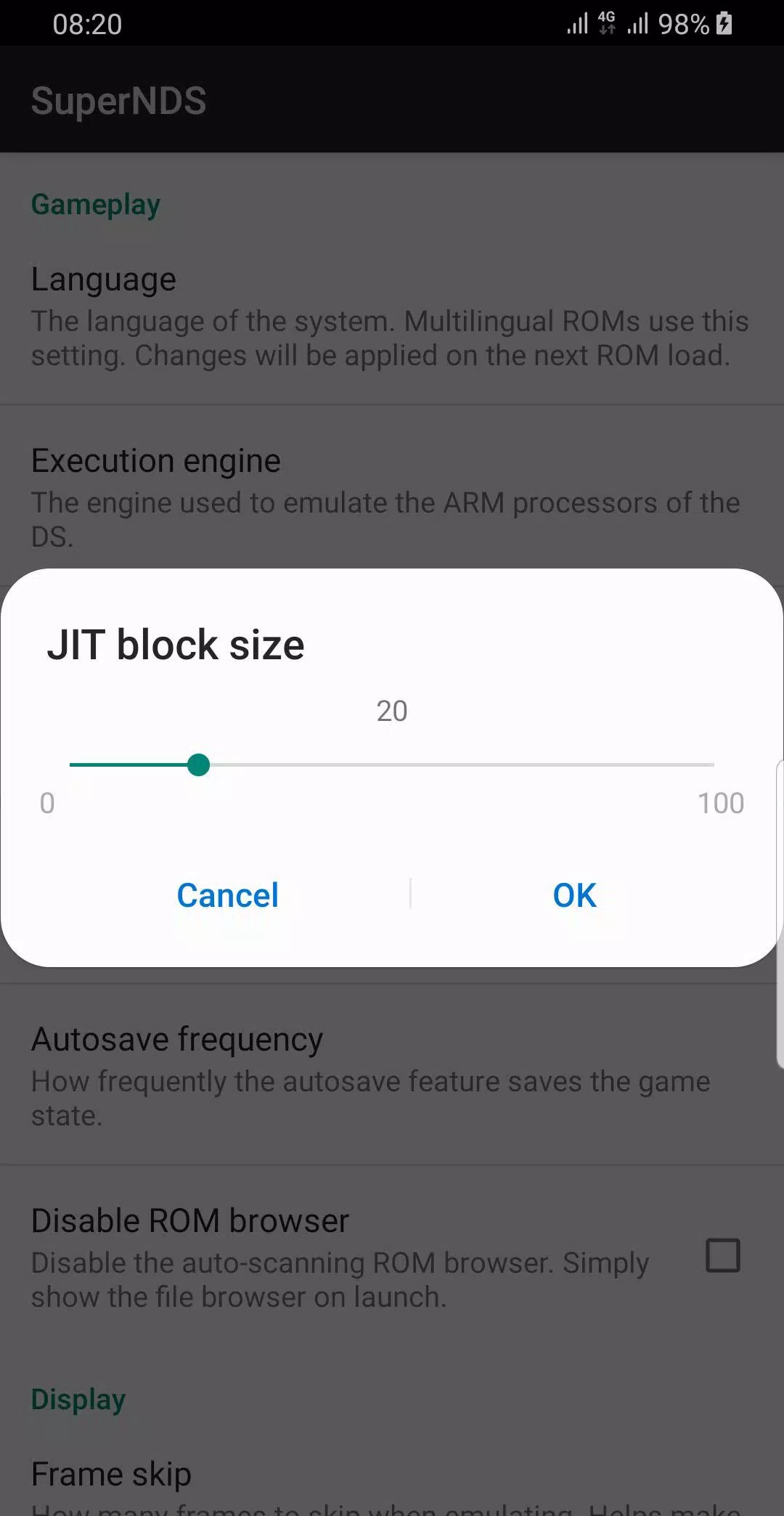
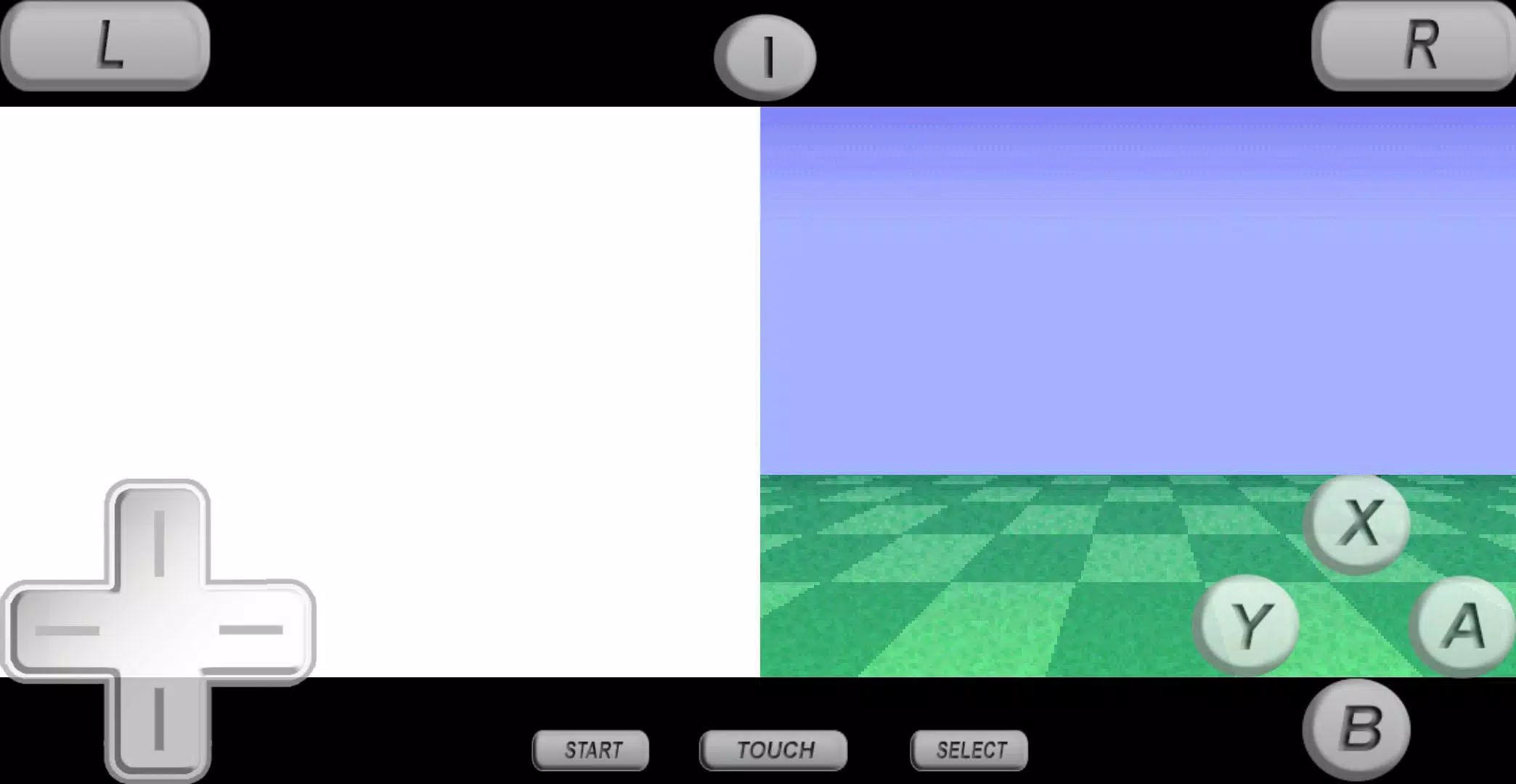
Looking for a top-tier gaming experience? Check out this high-quality emulator packed with an array of cool features. The PRO version is designed to support the latest Android versions, making it perfect for Android 13 users. You can find it on the Google Play Store at this link.
To make the most of this emulator, you'll need to enable all files access permission. Once you do that, you can:
- Search for game files in both your SD card and Internal Memory.
- Easily manage your game files and folders.
- Backup and restore your game files to keep your progress safe.
Wondering how to get started? Here's what you need to do:
- You'll need a game file, also known as a ROM file, to start playing.
- Copy your own game files to either your SD card or Internal Memory.
- For smoother gameplay, use uncompressed ROM files.
- If the emulator crashes because of low RAM, simply free up some memory and restart the app.
What's New in Version 7.2.4
Last updated on Feb 29, 2024
Version 7.2.4 brings minor bug fixes and improvements. Make sure to install or update to the latest version to enjoy these enhancements!









![A Father’s Sins – Going to Hell [Ch. 7 Public] By Pixieblink](https://imgs.jzi.cc/uploads/67/1719578270667eae9eb6a75.jpg)