
Top Gaming Accessories for 2025: Enhance Your Experience
Get your PC battle station up to snuff with some top-notch gaming accessories. From a stable base for your gaming PC, like the Cooler Master GD160 gaming desk, to headsets that keep you deeply immersed in the action, such as the SteelSeries Arctis Nova Pro Wireless or the Razer Hammerhead Pro HyperSpeed, our experts have selected 13 gaming accessories that will enhance your gaming setup to new heights.
TL;DR – These are the Best Gaming Accessories:
 ### SteelSeries Arctis Nova Pro Wireless
11See it at AmazonSee it at Target ### HyperXQuadCast S
6See it at AmazonSee it at Best Buy ### SecretlabTitan Evo
7See it at SecretlabSee it at Amazon ### Cooler MasterGD160
10See it at Amazon ### Asus ROG Keris II Ace
4See it at Amazon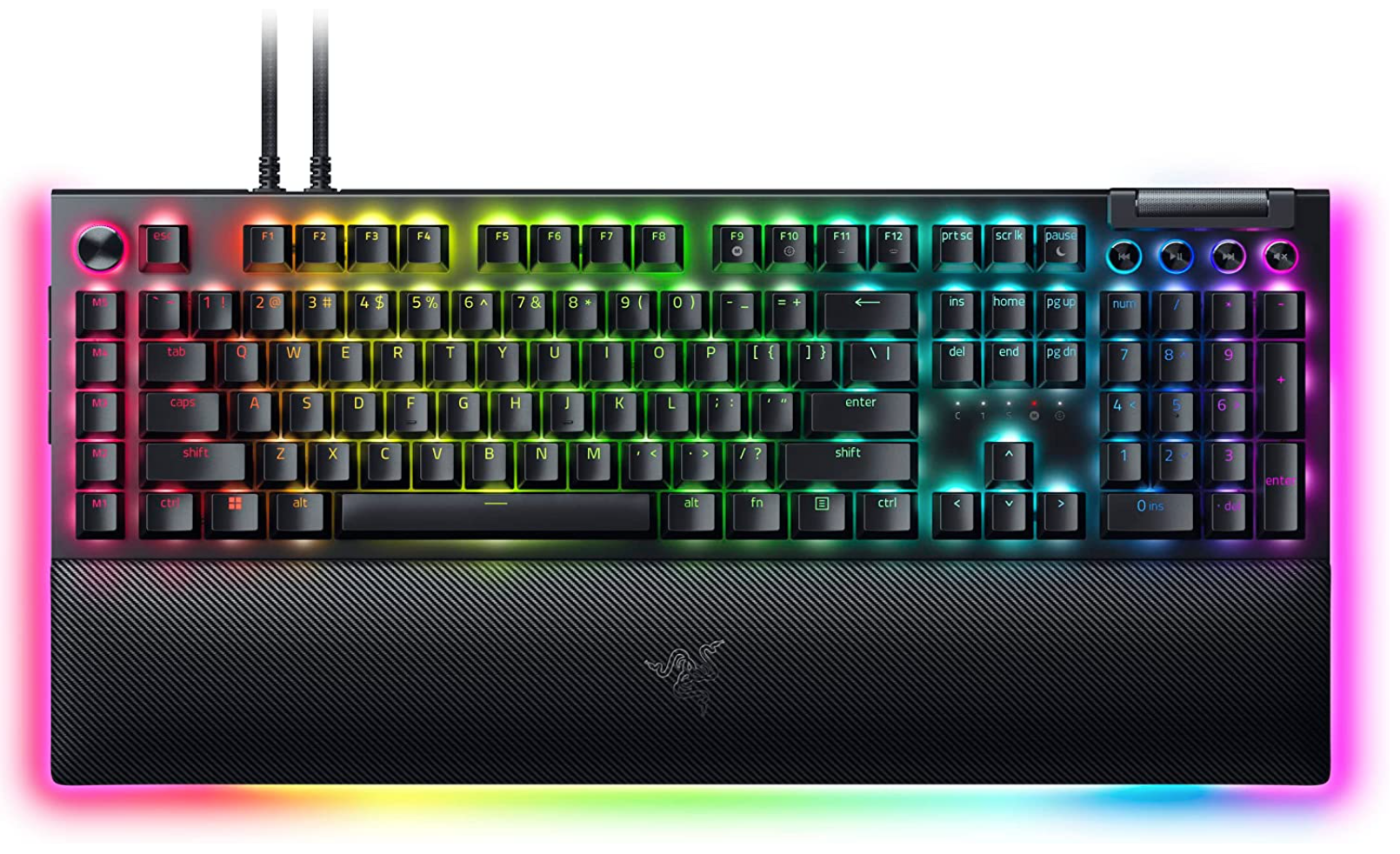 ### Razer BlackWidow V4 Pro
4See it at AmazonSee it at Razer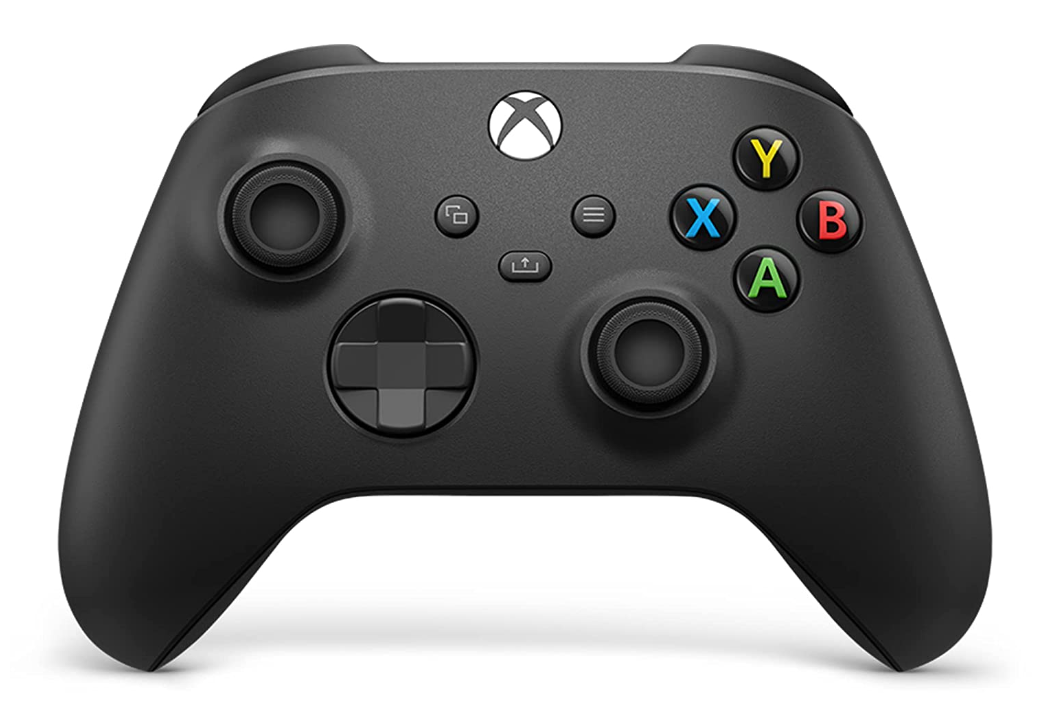 ### Xbox Core Controller
6See it at AmazonSee it at Target ### LG UltraGear 34GP950G-B
3See it at Amazon ### RazerHammerhead Pro HyperSpeed
6See it at Amazon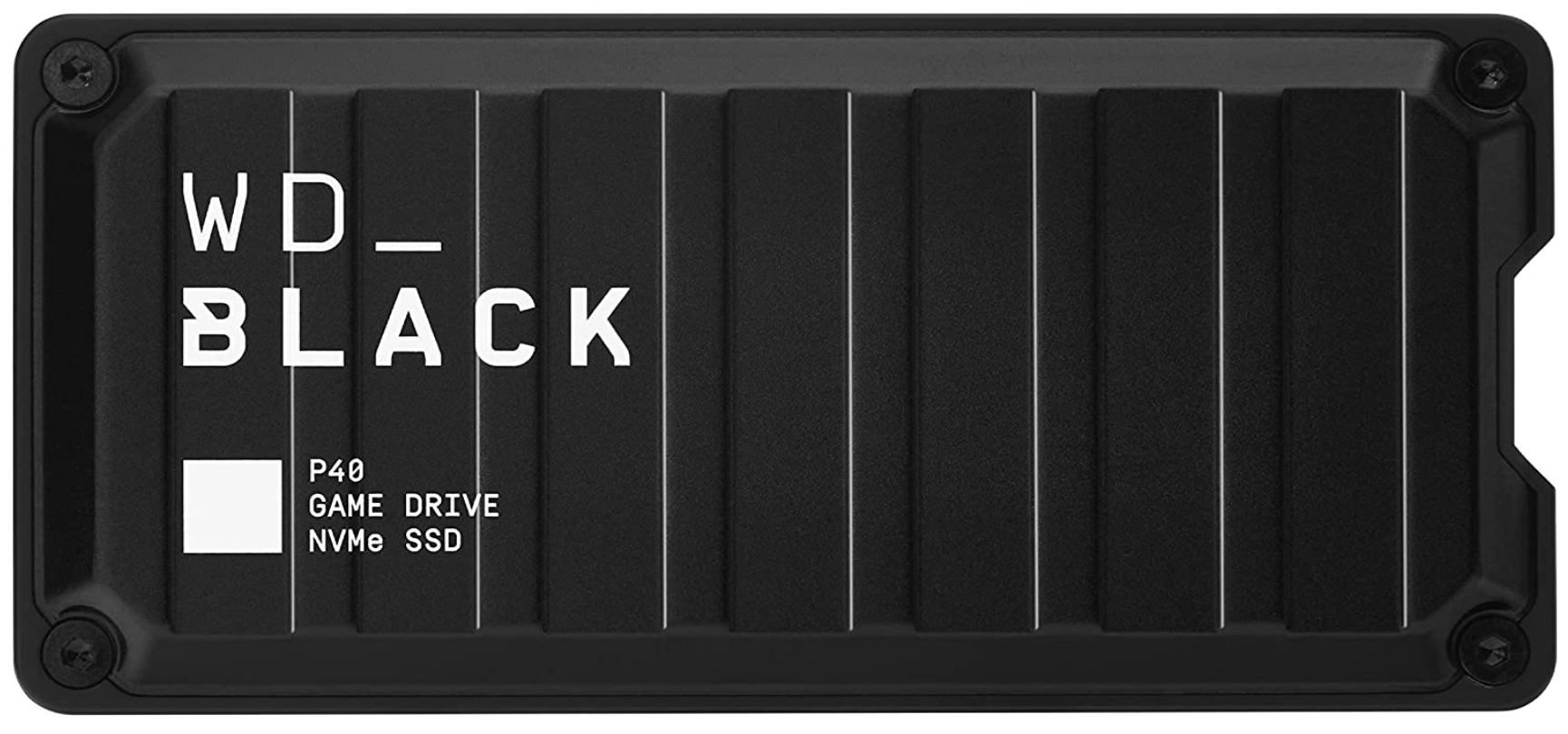 ### Western Digital WD_Black P40 Game Drive
3See it at Amazon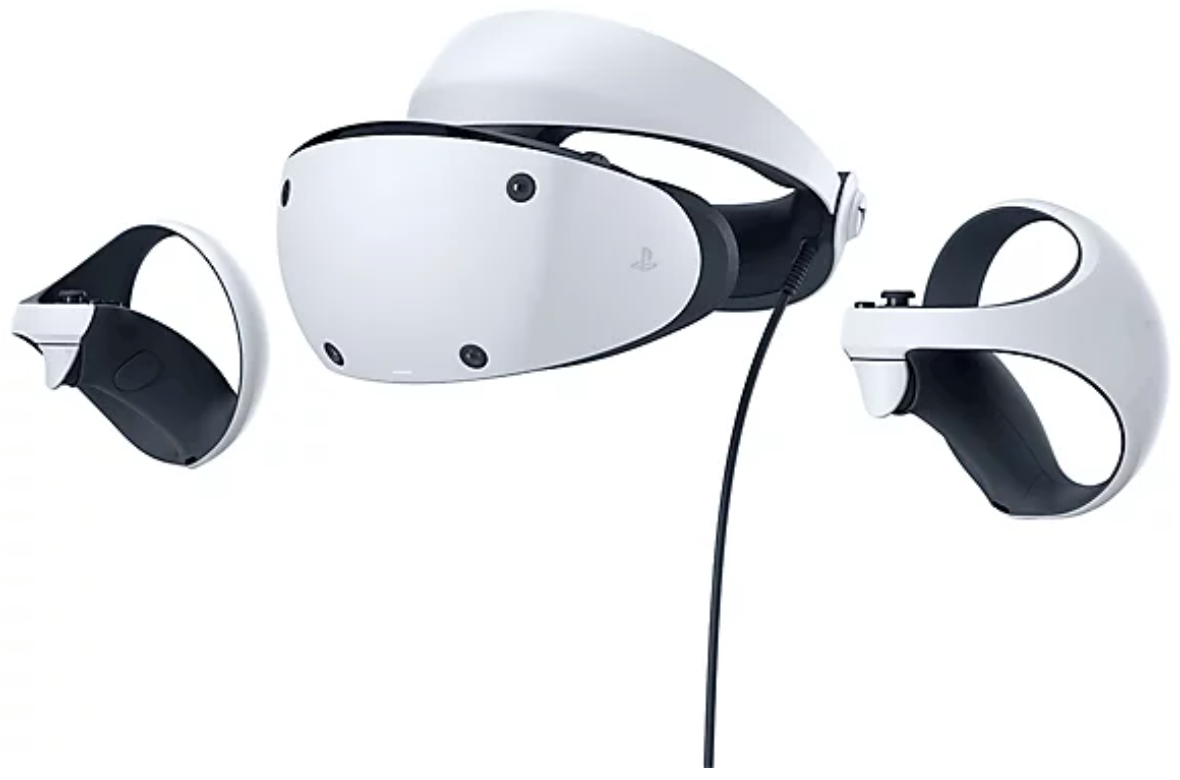 ### PlayStation VR2
3See it at AmazonSee it at PlayStationSee it at Target ### Asus ROG Rapture GT-BE98 Pro
5See it at Amazon ### ThrustmasterT300 RS GT
4See it at AmazonAdditional contributions by Georgie Peru
SteelSeries Arctis Nova Pro Wireless Images

 20 Images

 1. SteelSeries Arctis Nova Pro Wireless
Best Gaming Headset
### SteelSeries Arctis Nova Pro Wireless
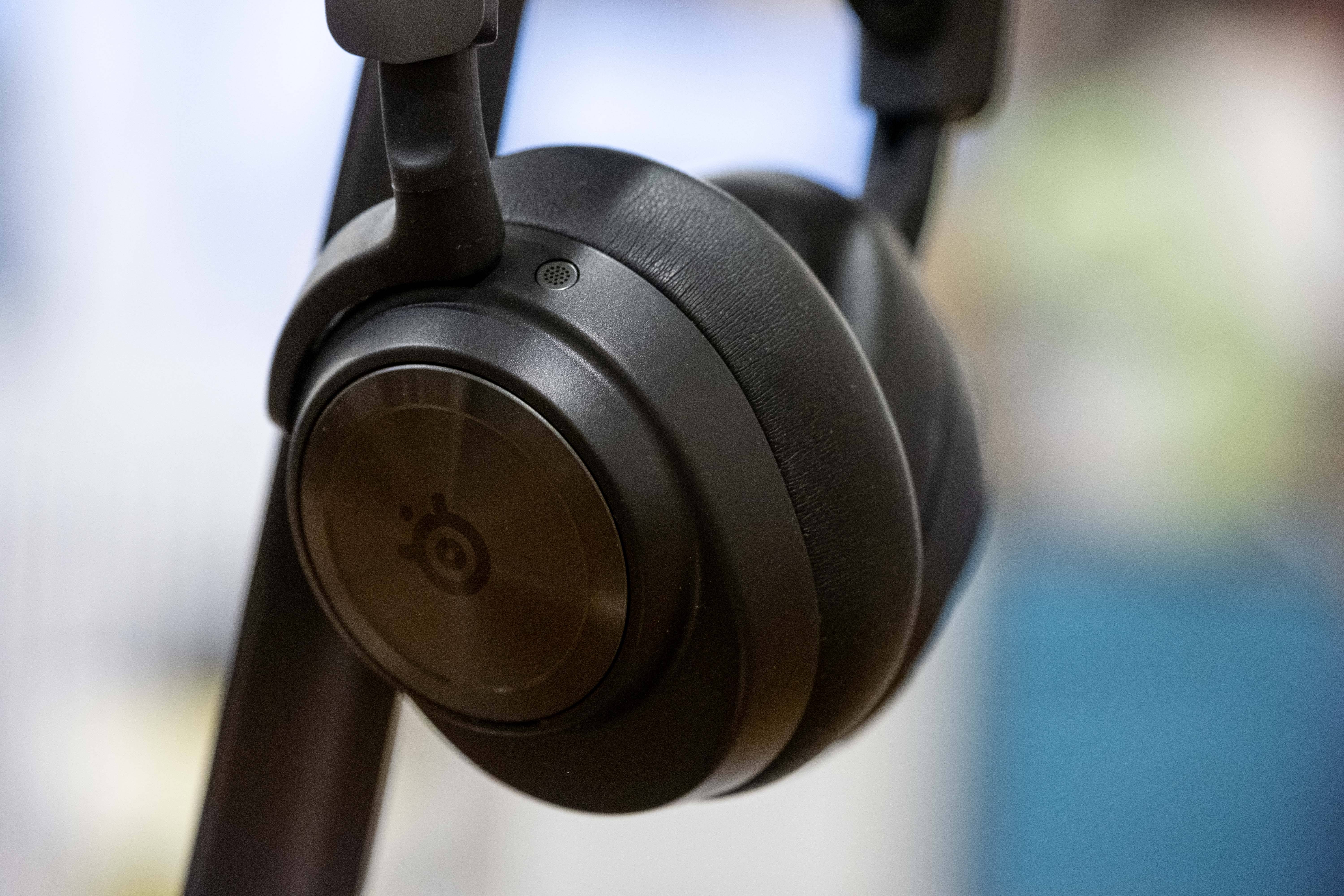
11The SteelSeries Arctis Nova Pro Wireless is our top pick for the best gaming headset. It offers multiple connectivity options, including simultaneous listening on different devices, a hot-swappable battery system, excellent sound quality, and hybrid active noise canceling, making it a top choice. See it at AmazonSee it at TargetProduct SpecificationsCompatibilityPC/Mac, PS5, PS4, Nintendo Switch, mobileConnectivity2.4 GHz wireless, Bluetooth, wiredDrivers40mm NeodymiumBattery Life18-22 hours (per battery)Weight338gPROSFantastic spatial audioHot-swappable battery systemCONSANC could be betterWe've extensively tested and reviewed the SteelSeries Arctis Nova Pro Wireless and it consistently stands out as our favorite gaming headset. Its design features telescoping arms on the adjustable headband and slimmer earcups that cater to all head shapes and sizes. The hot-swappable battery ensures continuous play without interruptions, a crucial feature for the best wireless gaming headsets. Connectivity is seamless with a 2.4GHz dongle and Bluetooth, which can be used simultaneously.
The hybrid noise-canceling system effectively blocks out distractions, though some of the best noise-canceling headphones may have a slight edge. Spatial audio support enhances your ability to pinpoint enemy locations, while customizable EQ settings and game chat mix via the Sonar and SteelSeries GG app elevate the gaming experience further.
See Headsets By Console
Best PC Headsets | Best PS5 Headsets | Best Xbox Headsets | Best Switch Headsets
HyperX QuadCast S Review

 9 Images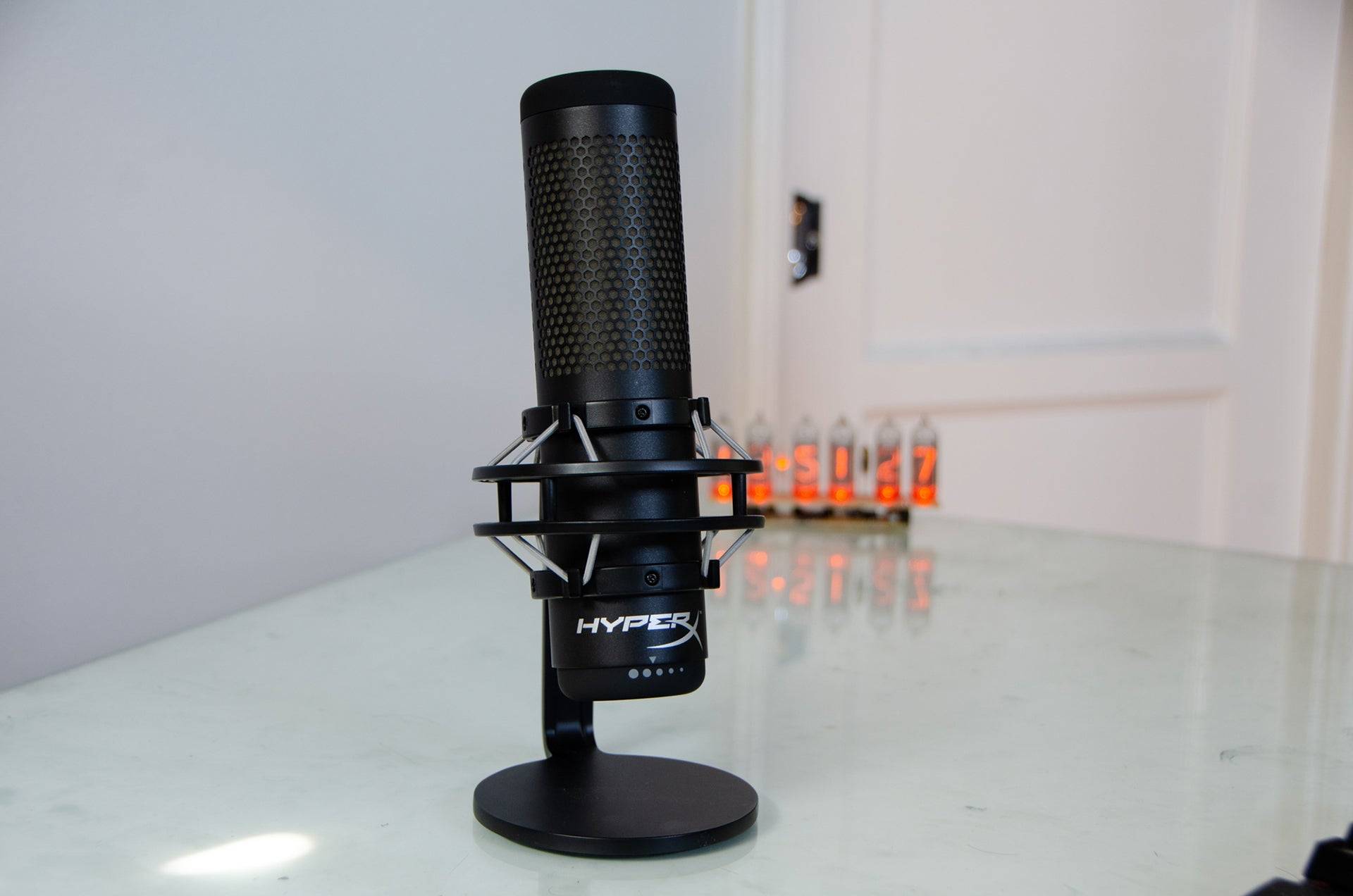


 2. HyperX QuadCast S
Best Gaming Microphone
### HyperXQuadCast S
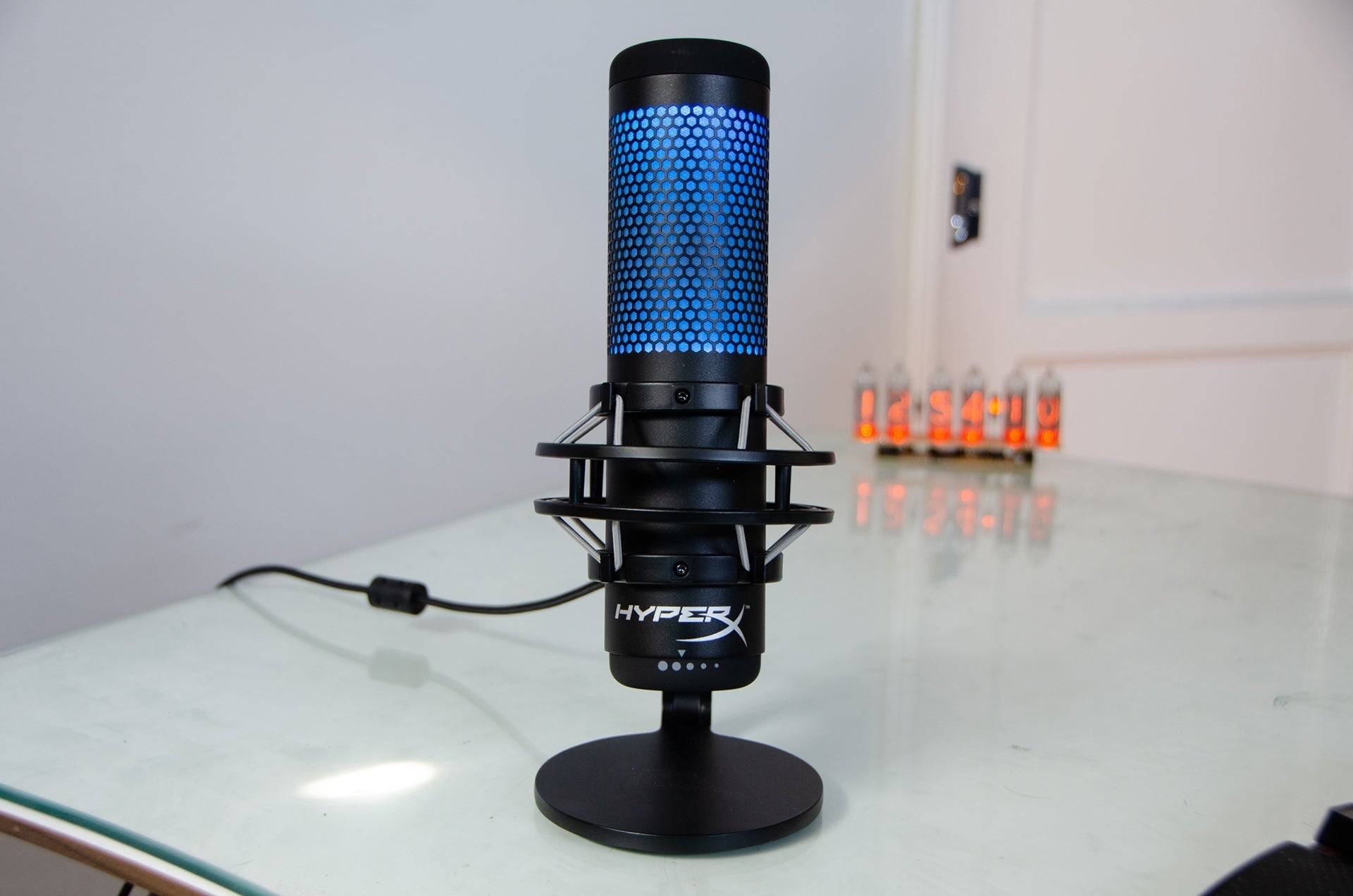
6Designed for game streaming, the HyperX QuadCast S boasts a sturdy build, top-notch features, and customizable RGB lighting. See it at AmazonSee it at Best BuyProduct SpecificationsType3 x 14mm condenser capsules OutputUSBPolar PatternCardioid, bidirectional, omnidirectional, stereo Frequency Response20Hz-20kHzSample Rate48kHzBit Depth16-bitSensitivity-36dbHeadphone Amplifier7mW @ 32ohmsPROSFour pick-up patternsEasy to useCONSBulkyOur review of the HyperX Quadcast S revealed it to be an exceptional microphone for gaming, especially considering its price point. The Quadcast S is tailored for gaming, evident from its RGB lights that shine through its honeycomb body. Beyond its aesthetics, it's built to last with easy-to-access controls for mute, mic gain, and pick-up patterns. Its USB-C connectivity makes it user-friendly even for beginners.
Most importantly, the Quadcast S delivers rich, full vocals covering the entire human hearing range. With four pick-up patterns, it's versatile enough for streaming on Twitch with a cardioid pattern or conducting interviews for your podcast using a bidirectional pattern.
Secretlab Titan Evo 2022
 20 Images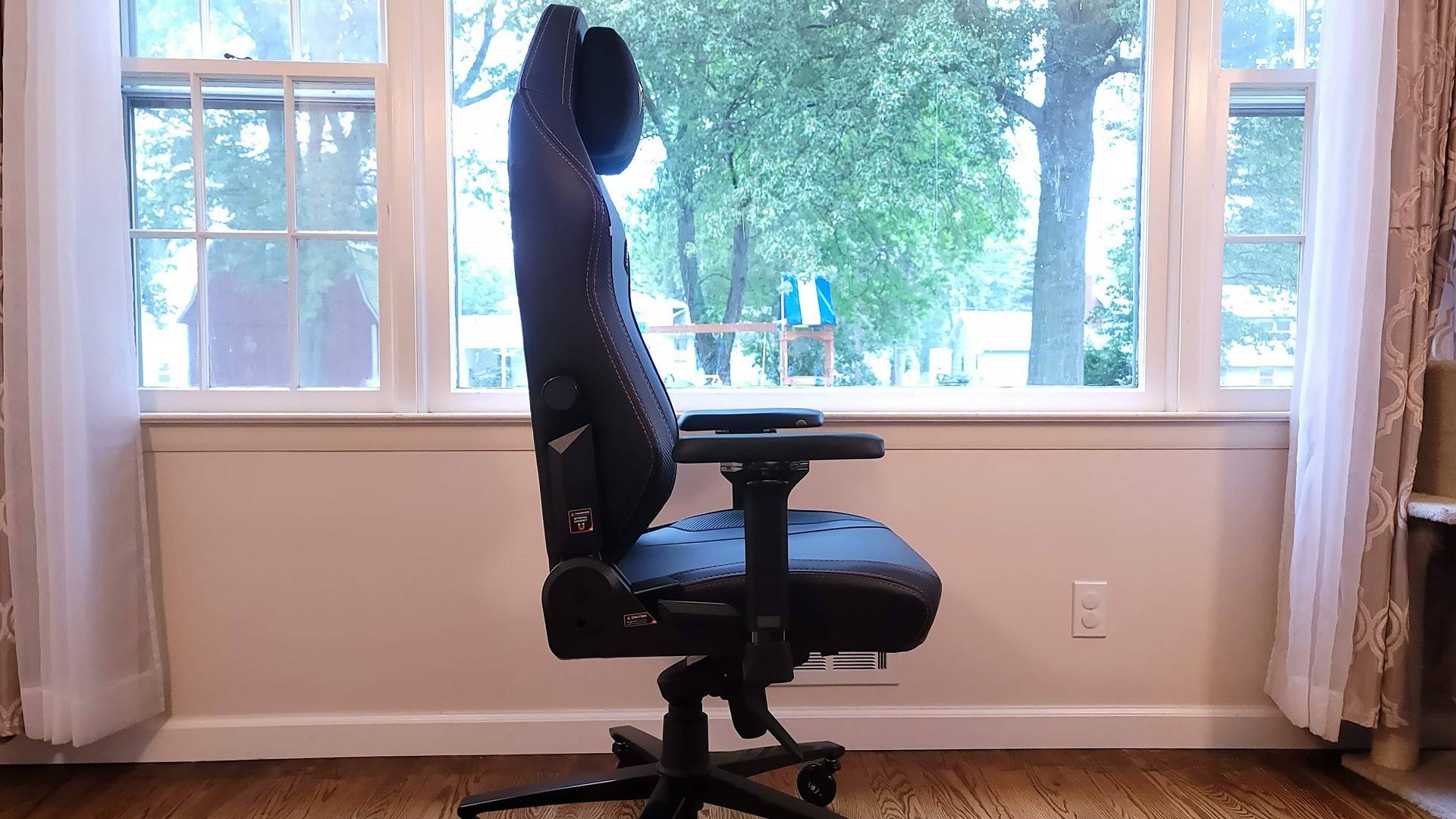
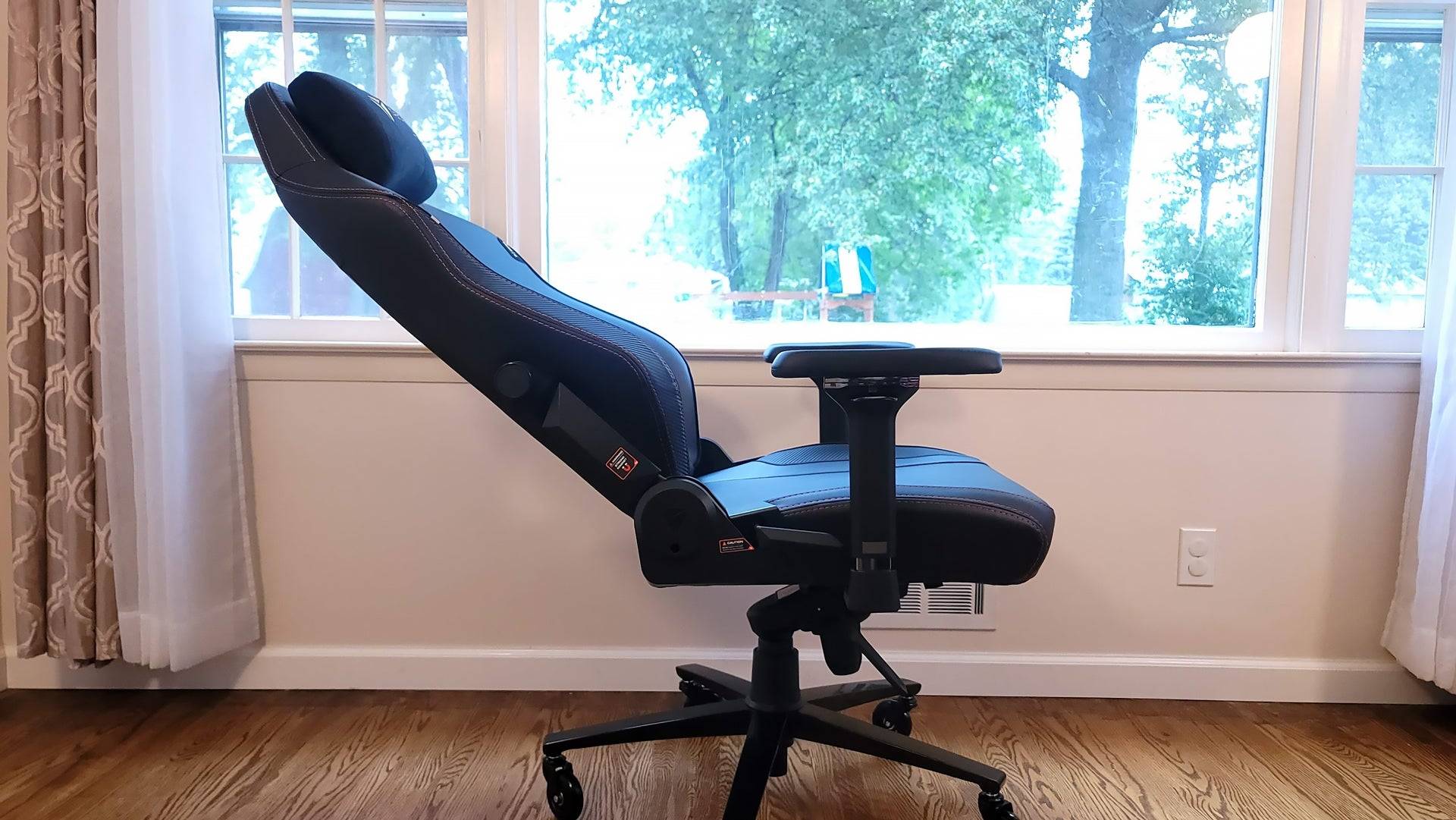 3. Secretlab Titan Evo
Best Gaming Chair
### SecretlabTitan Evo
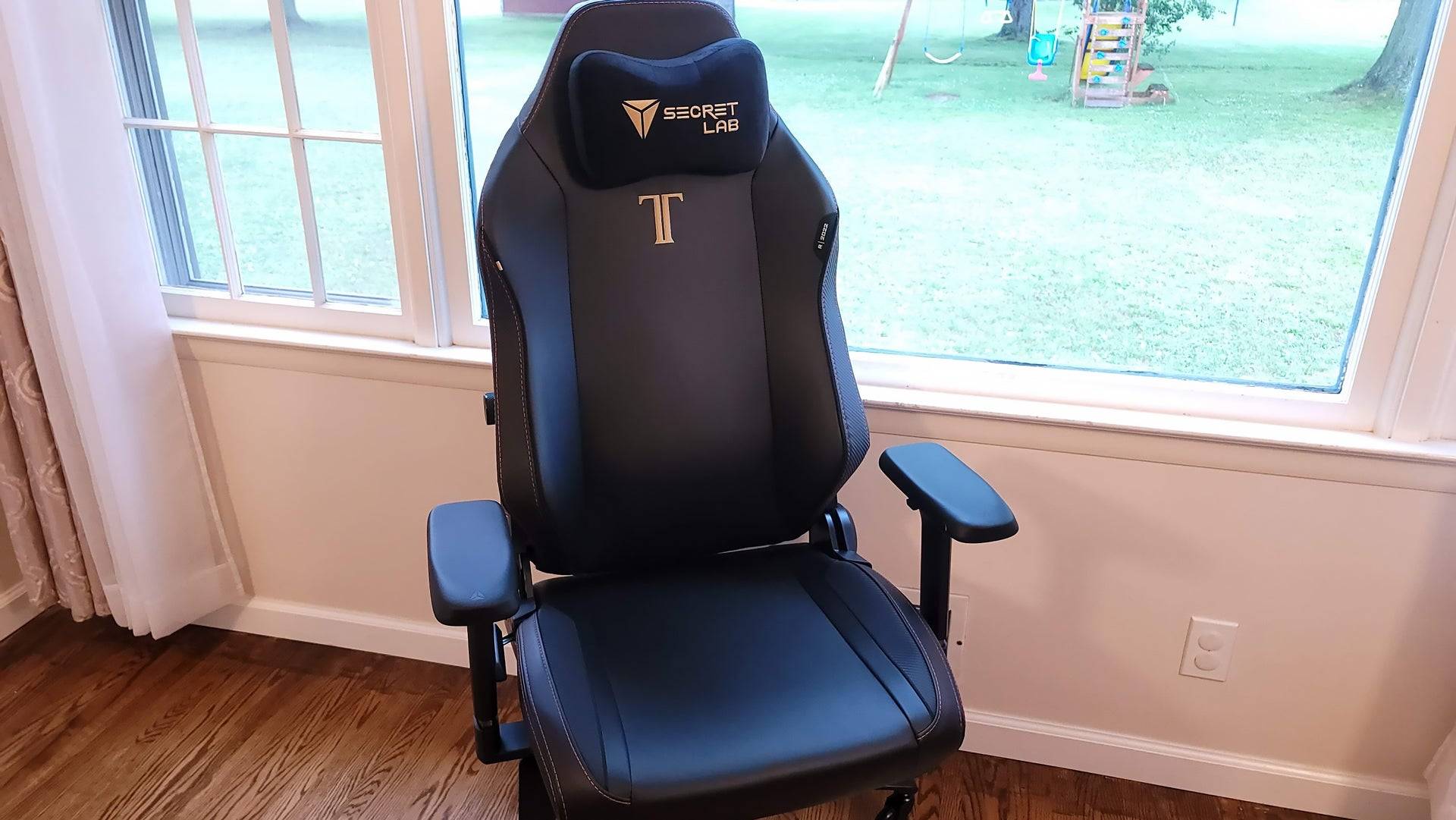
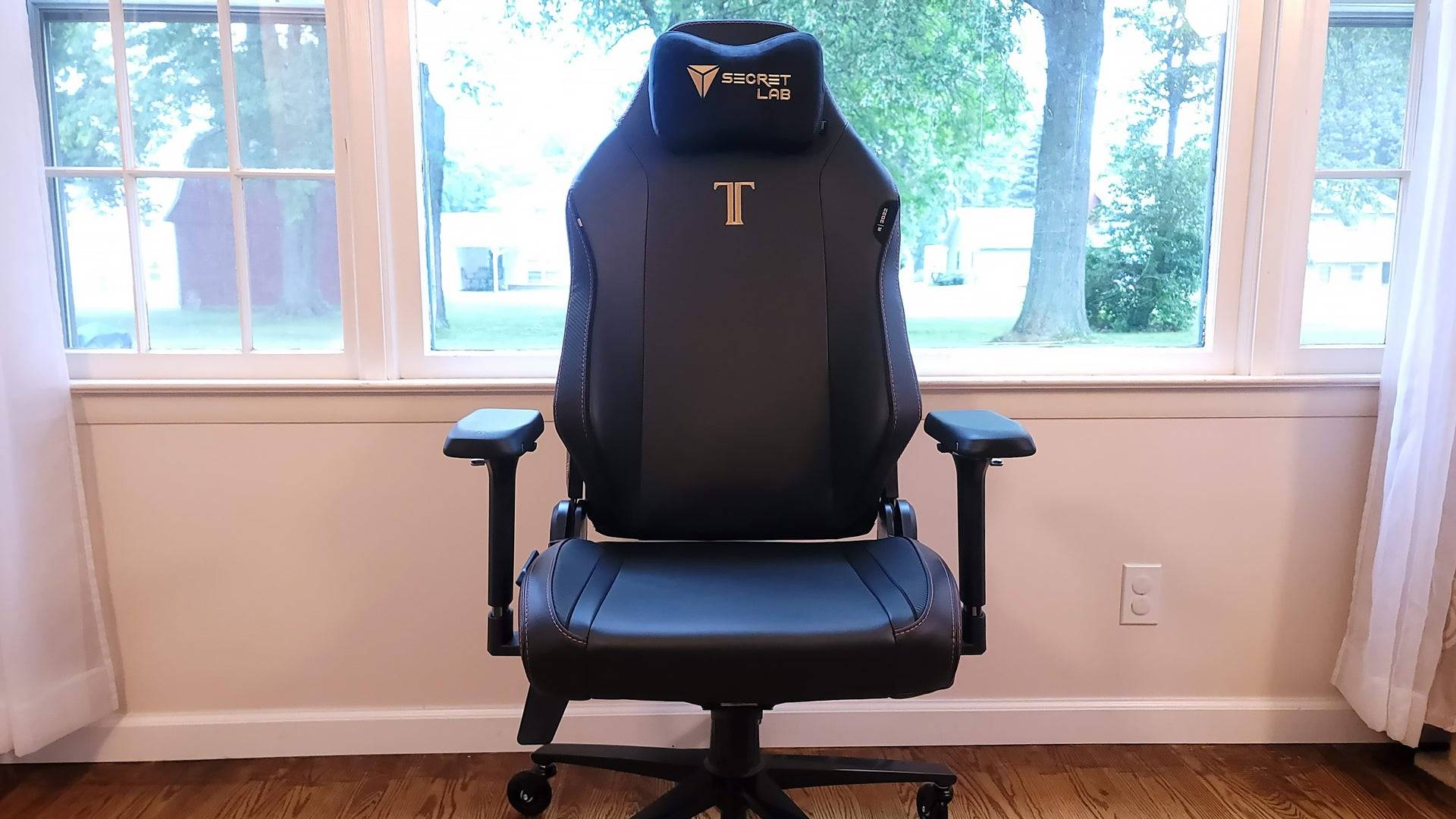
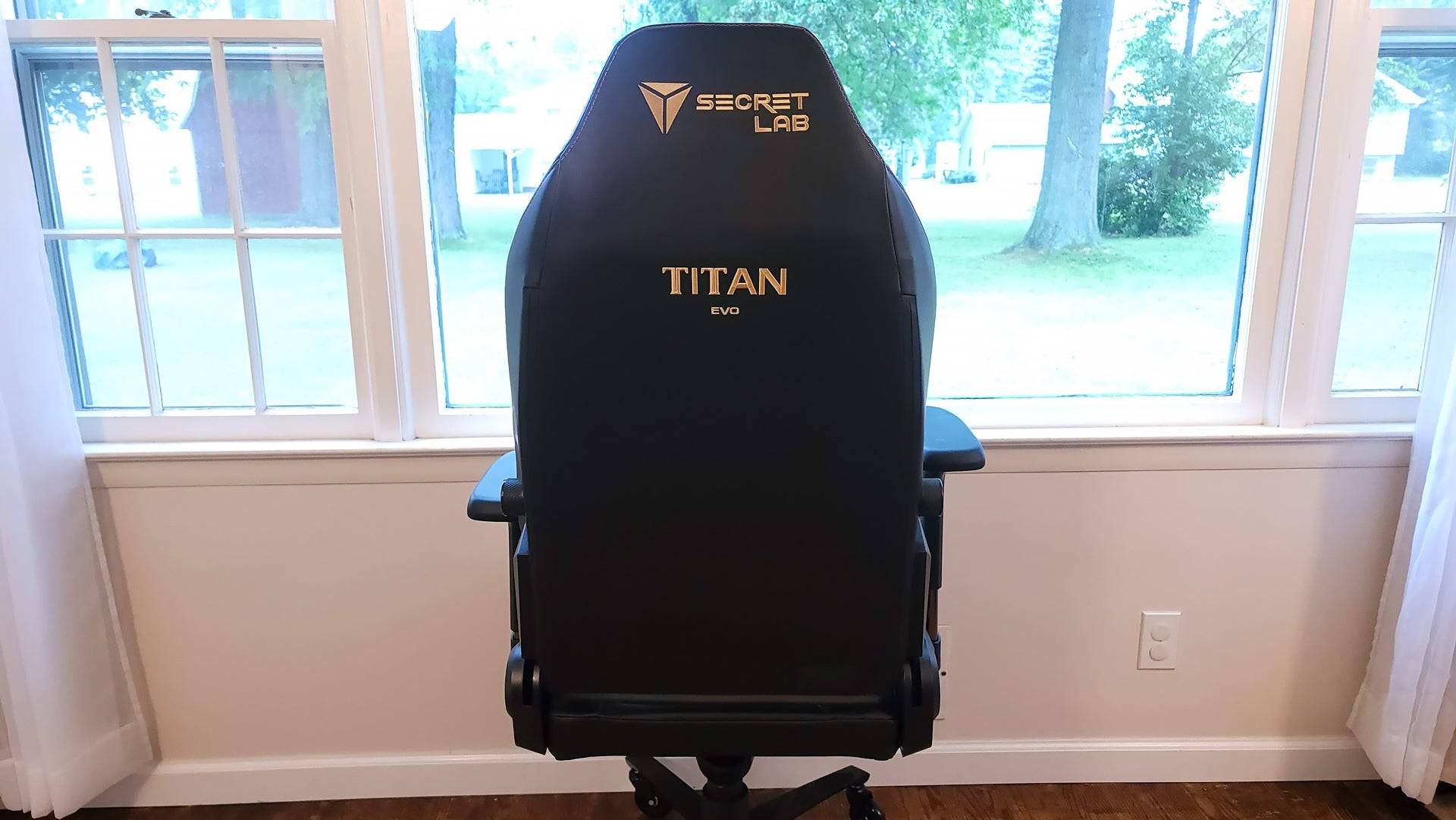
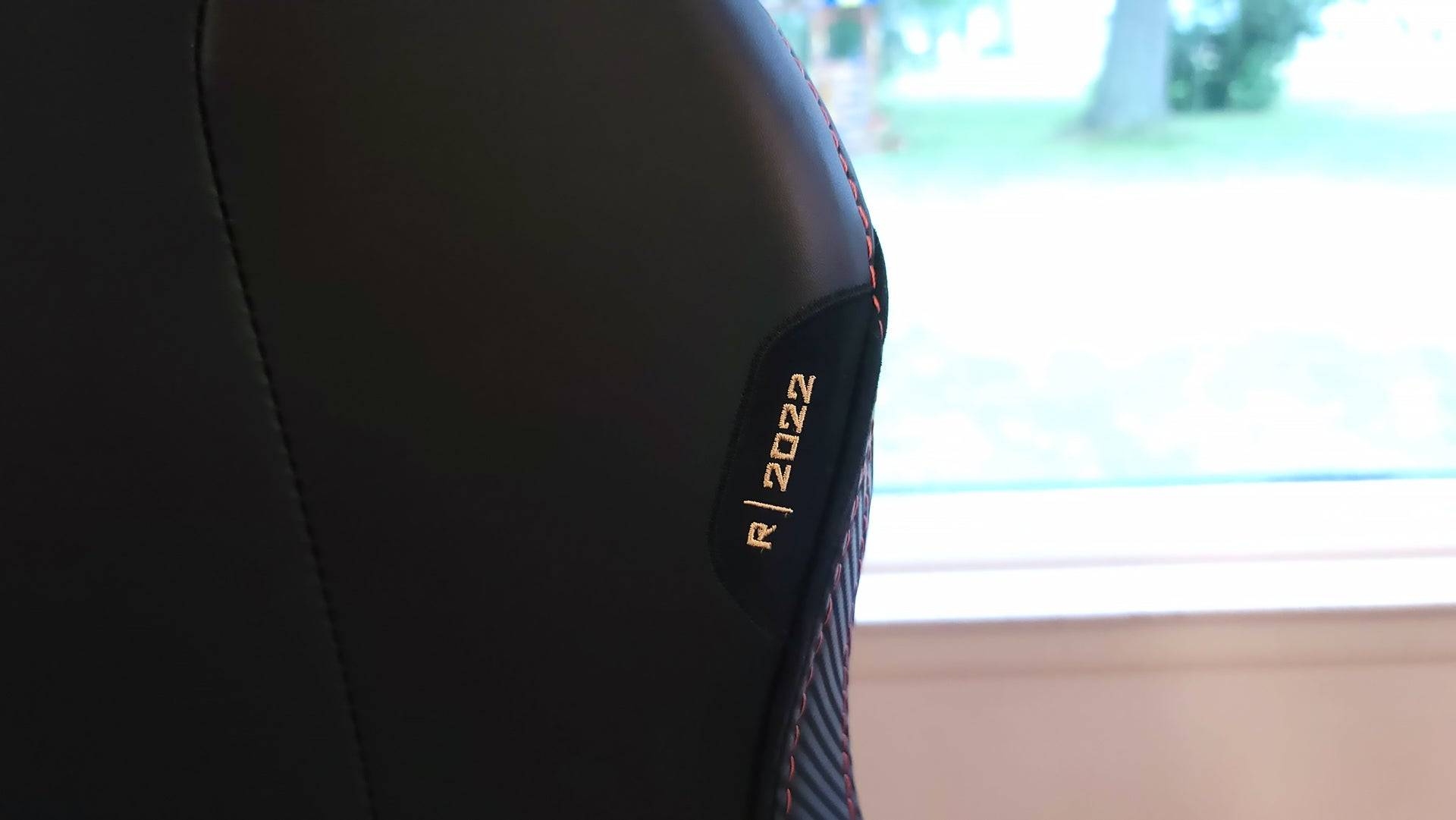
7The Secretlab Titan Evo offers a comfortable and ergonomic experience with 4D armrests, adjustable lumbar support, a magnetically attached head pillow, and memory foam padding throughout. See it at SecretlabSee it at AmazonProduct SpecificationsSeat Height17.7-20.5"Seat Width18.5"Seat Depth19.3"Backrest Length33.5"Backrest Width21" Tilt85-165°Ergonomics4D adjustable armrests, lumbar support, magnetic head pillow, memory foam with cooling gelMax Load285 lbsPROSHigh-quality, durable buildComfortable and ergonomicCONSBackrest foam can be stiff for someOur reviews of Secretlab’s Titan Evo series have consistently praised its superior build quality, featuring a plush, well-padded seat and a sturdy backrest. The spacious seat accommodates various leg positions, while the adjustable lumbar support in the backrest enhances comfort. The deep recline mode is perfect for relaxing during breaks.
The chair's comfort is further enhanced by the headrest and 4D armrests with a unique magnetic system that's both subtle and effective. These can be swapped for different cushioning or looks. The chair also comes in an XL model, making it the best choice for those seeking a big and tall gaming chair.
See More Gaming Chairs
Best Rocker Gaming Chair | Best Gaming Bean Bag Chair
Cooler Master GD160
Best Gaming Desk
### Cooler MasterGD160
10The Cooler Master GD160 is a sturdy and stable desk that features a full-surface gaming mouse pad and a cable management tray to keep wires organized. See it at AmazonProduct SpecificationsDimensions63" x 29" x 28-31.1"Max Load220.5 poundsHeight Adjustable28" to 31.1"PROSLarge 63-inch by 29-inch tabletopFull surface mouse padCONSNo standing functionalityA sturdy and secure gaming desk is crucial for your PC setup, and the Cooler Master GD160 is one of the best gaming desks available. It offers ample surface space with a 63-inch by 29-inch tabletop, ideal for a multimonitor setup. The desk's stable frame can support over 220 pounds, with slight height adjustability for ergonomic comfort. For those looking for a standing option, consider a great standing desk.
While the GD160's features are somewhat basic, they are effective. The cable management tray keeps wires tidy, and the full-surface, water-resistant mouse pad eliminates the need for a separate best mouse pad, ensuring smooth and precise mouse tracking across the entire desk.
Asus ROG Keris II Ace - Photos
 9 Images

 5. Asus ROG Keris II Ace
Best Gaming Mouse
### Asus ROG Keris II Ace
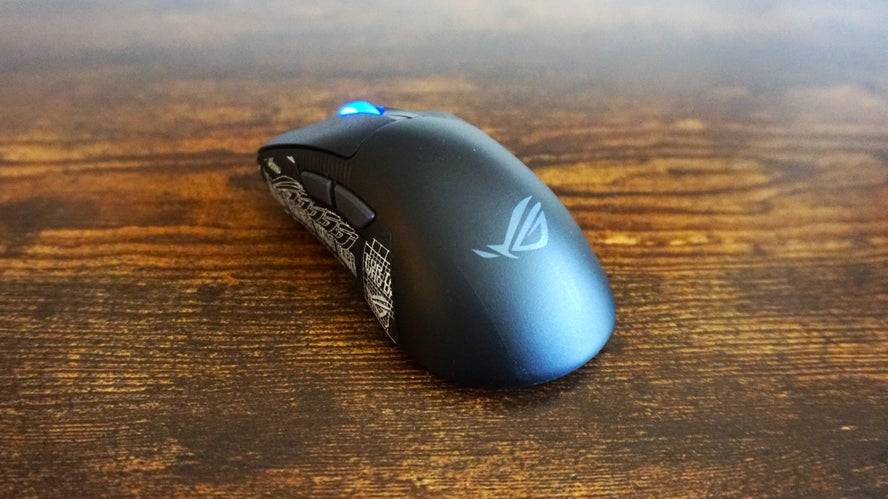
4The Asus ROG Keris II Ace is a lightweight, larger mouse with accurate tracking and a high polling rate, designed for simplicity and performance. See it at AmazonProduct SpecificationsSensorROG AimPoint ProSensitivity42,000 DPIShapeRight-handedButtons5ConnectionWireless, wiredWeight54g (without dongle)PROSLightweight, larger buildAccurate and precise trackingCONSDefault grips aren't greatThe Asus ROG Keris II Ace is an essential component of any gaming PC setup, offering simplicity with top-notch performance. It's not for those seeking flashy RGBs or numerous features, but rather for gamers who value accurate and precise tracking, with a maximum of 42,000 DPI. The high polling rate, facilitated by a Polling Rate Booster, ensures smooth and responsive motion, while optical micro switches guarantee tactile clicks. Its lightweight design aids in speedy movements, and the larger size suits bigger hands. While the default side grips are lacking, the included grip tape provides an easy solution.
The Keris II Ace supports both low-latency 2.4GHz wireless and Bluetooth connectivity, with a 6.5-foot USB-C cable for wired use. The Armory Crate software allows easy profile creation and adjustment of settings like DPI, polling rate, angle snapping, and angle tuning. However, the DPI and profile-switching buttons are inconveniently placed on the bottom of the mouse.
See More Mice by Type
Best Wireless Gaming Mouse | Best Lightweight Gaming Mouse | Best Ergonomic Mouse
-
 This week's free game lineup on the Epic Games Store mobile app is here, and it features DC Heroes United alongside Shapez.Whether you love factory simulations or superhero action, there's something for everyone. The games are free to claim from JuneAuthor : Andrew Apr 24,2026
 -
 Shadow Fortress is the new elite dungeon featuring high-stakes encountersNew Imprint System lets you push your stats furtherThe Summer Island event features loads of rewards to gatherOdin: Valhalla Rising is turning up the heat this summer with its sAuthor : Camila Apr 22,2026












- Retro-Style Arcade Racer Victory Heat Rally Is Coming To Mobile Soon Via Crunchyroll!
- DISCOVERY CHANNEL TO UNVEIL CROSSOVER IN 'Reverse: 1999' 2.0
- Crunchyroll Game Vault adds Battle Chasers: Nightwar, Dawn of the Monsters, Evan’s Remains and more
- Hotta Studio's Open-World RPG, Neverness to Everness, Announced
- Military Strategy Game Warpath Launches a Navy Update with 100 New Ships
- Golden Joystick Awards 2024 Was a Big Showing for Indie Games