
Top Tablets for Reading: Ideal for Books and Comics
Books are undeniably wonderful, but their physical presence can quickly overwhelm your living space. For those fortunate enough to have room for a dedicated home library, congratulations! For the rest of us, a reading tablet is a game-changer. While you might miss the tactile feel of a traditional book, the convenience and accessibility of a digital library are unmatched. Plus, many books are available for free, and you won't have to deal with the clutter. We've rounded up some of the best tablets to enhance your reading experience, no matter where you are.
TL;DR - These Are the Best Tablets to Read on:
 Our Top Pick### Amazon Kindle Paperwhite
0See it at Amazon ### Apple iPad Mini (7th Gen)
0See it at AmazonSee it at AppleSee it at Best Buy ### Apple iPad Pro (2024, M4)
0See it at AmazonSee it at Apple ### OnePlus Pad 2
0See it at OnePlus ### Kobo Libra Colour
0See it at AmazonReading tablets offer a range of features to suit different needs. E-readers, like our top pick, the Kindle Paperwhite, focus on book formats with screens designed to mimic the look of paper. These devices are ideal for pure reading, without the distractions of social media or video streaming. On the other hand, more versatile tablets like the iPad Mini offer additional functionalities but may strain your eyes and drain the battery faster. For those who enjoy annotating their reading material, the Kobo Libra Colour's note-taking capabilities are a valuable asset. The best choice depends on your specific preferences and requirements.
Kindle Paperwhite
The Best Kindle and Best Reading Tablet
Our Top Pick### Amazon Kindle Paperwhite
0The Kindle Paperwhite offers a reading experience akin to a physical book, enhanced by a backlight and numerous useful features. See it at AmazonProduct SpecificationsScreen size7" E InkScreen resolution300ppiFront light19 LEDsStorage16GBBattery12 weeksDimensions5" x 7" x 0.3"Weight211gPROSGreat battery lifeWater-resistantCONSPlastic buildFor avid readers seeking a dedicated device, the Kindle Paperwhite is the top choice. Its minimalist design focuses solely on reading, eliminating distractions like colorful screens, stylus support, or notifications. The device features an easy-to-read display that minimizes eye strain and conserves battery life.
The latest Kindle Paperwhite boasts a slightly larger 7-inch e-ink display with a 300ppi resolution, reducing blue light and glare. Enhanced with a new thin-film transistor, it offers improved contrast, and the 19 LEDs around the screen ensure readability in various lighting conditions, from bright beaches to dim camping tents. The warm backlight can be adjusted for darker environments, and for even more convenience, consider the Kindle Paperwhite Signature.
With a 20% performance boost over its predecessor, page turns and library navigation are seamless. Its 16GB of storage accommodates thousands of books, with cloud storage available for audiobooks. Additional features include customizable text and font sizes, an integrated dictionary, and compatibility with the Libby app for borrowing books.
The Kindle Paperwhite's plastic build keeps it slim and lightweight, reducing arm and wrist fatigue. Despite its simple design, it's durable and waterproof. With a remarkable 12-week battery life on a single 2.5-hour charge, it's easy to understand why this is our favorite Kindle model.
iPad Mini (7th Gen)
Best iPad for Reading
### Apple iPad Mini (7th Gen)
0Compact and lightweight at just over half a pound, the iPad Mini offers a vibrant 8.3-inch display, making it an excellent choice for portable reading. See it at AmazonSee it at AppleSee it at Best BuyProduct SpecificationsScreen size8.3” Liquid Retina IPSScreen resolution326 ppiFront lightN/AStorage128GB, 256GB, 512GBBattery10 hoursDimensions7.69” x 5.3” x 0.25”Weight293gPROSFantastic displayCompact and portableCONSScreen glare due to glossy screenApple's iPads typically feature larger displays, which can be cumbersome for dedicated reading. The iPad Mini, with its 8.3-inch screen, strikes a perfect balance, offering the size of a paperback and weighing just 10.4oz. This makes it highly portable and comfortable to hold, even with one hand.
The iPad Mini's Liquid Retina display, with adjustable brightness and True Tone technology, ensures a comfortable viewing experience. However, it may reflect glare due to its glossy finish. The device supports the Apple Pencil for annotations and runs on the powerful A17 Pro chip, also found in the iPhone 15 Pro. This chip provides ample performance for reading apps like Apple Books, Amazon Kindle, comiXology, Libby, and Scribd, and also handles multitasking and other tasks smoothly. Keep in mind, though, its battery life is shorter than e-ink devices, lasting about 10 hours.
iPad Pro 2024 – Photos
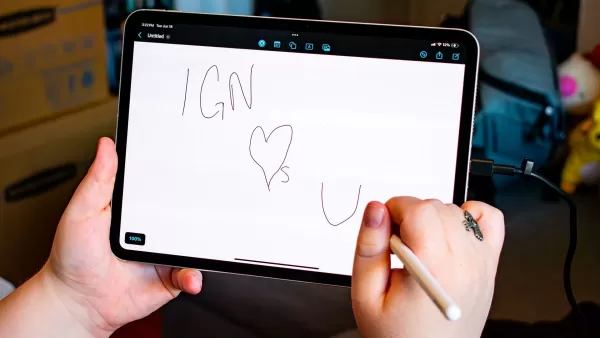
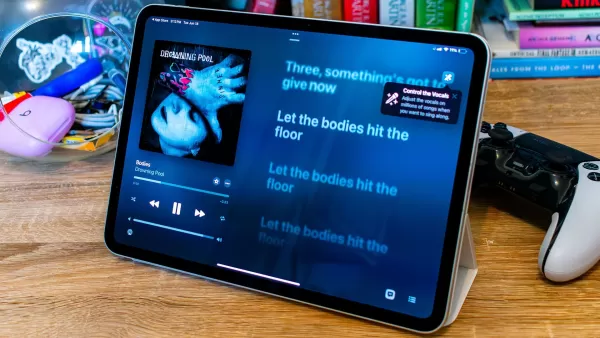 View 7 Images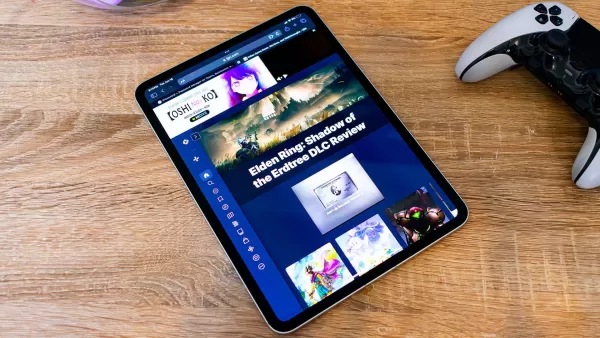
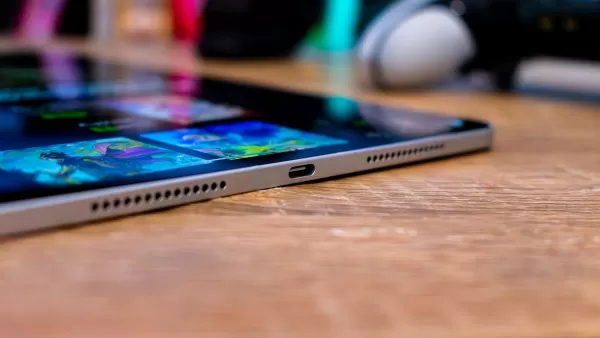
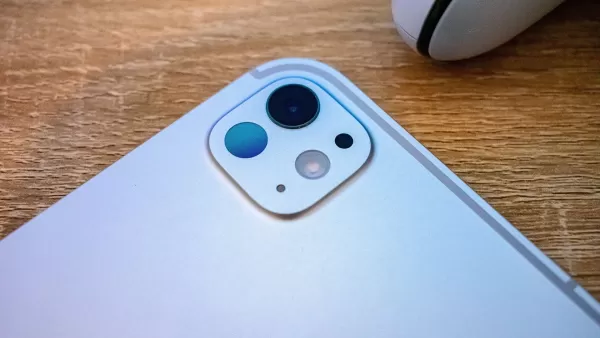
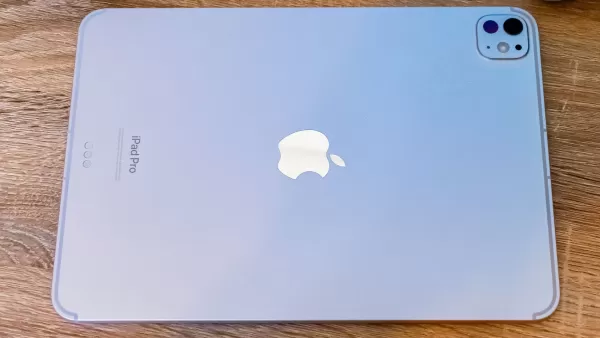 3. Apple iPad Pro (2024, M4)
Best Tablet for Reading Comics and Manga
### AppleiPad Pro (2024, M4)
0The iPad Pro, equipped with an Apple M4 processor and an OLED display, is the ultimate premium Apple tablet. See it at AmazonSee it at AppleProduct SpecificationsScreen size11-inch, 13-inchScreen resolution264 ppiFront lightN/AStorage256GB, 512GB, 1TB, 2TBBattery10 hoursDimensions9.74" x 7.02" x 0.23", 11.09" x 8.48" x 0.20" Weight444g, 582gPROSStunning OLED displayPowerful Apple M4 processorCONSOverkill for some usersFor those immersed in the vibrant world of comics and manga, the iPad Pro offers the best experience. Its large 11-inch or 13-inch display remains thin and lightweight, ideal for long reading sessions.
The iPad Pro's OLED display is a game-changer, delivering vivid, accurate colors and excellent contrast. In IGN's review of the iPad Pro, Jackie Thomas praised the display's performance while reading Star Wars: The High Republic comics.
Powered by the M4 silicon, the iPad Pro handles demanding tasks effortlessly, including gaming and design, thanks to its 8GB GPU. Creatives can use this tablet to craft their own comics or graphic novels, with the Apple Pencil Pro enhancing artistic capabilities. Additionally, it can serve as a laptop replacement with a keyboard attachment, though the cost of accessories can add up quickly.
OnePlus Pad 2 – Photos
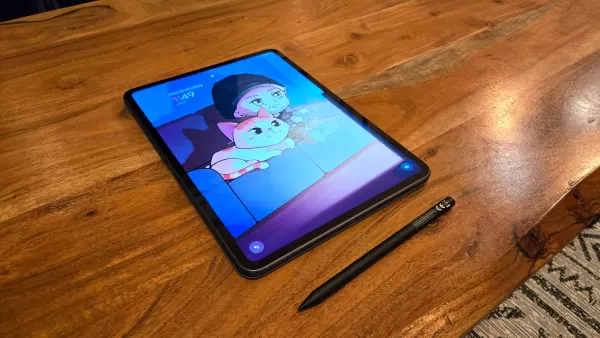
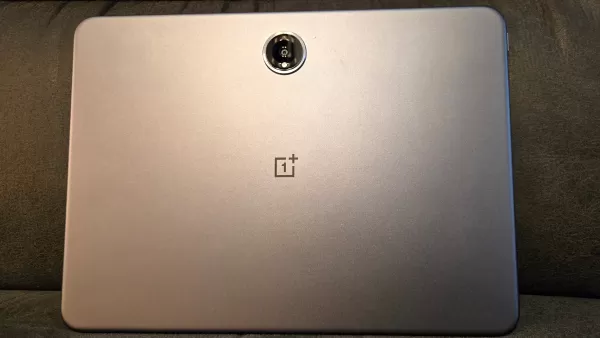 View 4 Images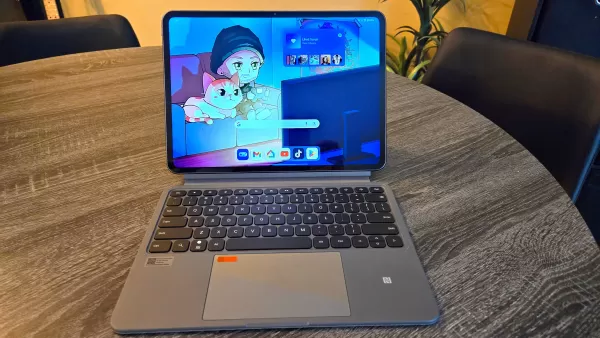
 4. OnePlus Pad 2
Best Android Tablet for Reading
### OnePlus Pad 2
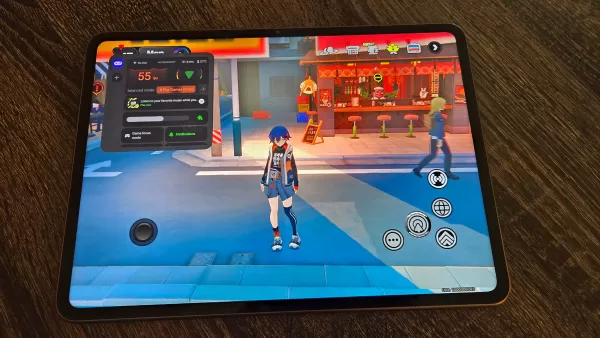
0Experience excellent performance, a smooth and elegant display, and overall superior quality with the OnePlus Pad 2. See it at OnePlusProduct SpecificationsScreen size12.1”Screen resolution303ppiFront lightN/AStorage256GBBattery12 hoursDimensions10.6" x 7.7" x 0.26"Weight584gPROSAmple storage80W fast charging supportCONSHeavier than other tabletsOnePlus, known for its impressive smartphones, also delivers a top-notch reading tablet with the OnePlus Pad 2. It features a 12.1-inch, 3K display with 10-bit color depth and HDR support, offering crisp, vibrant visuals. According to our hands-on review of the OnePlus Pad 2, the upgraded brightness ensures readability even in direct sunlight.
With a Snapdragon 8 Gen 3 processor and 12GB of RAM, the OnePlus Pad 2 competes with the best Android tablets. It delivers smooth page turns and effortless app navigation. The 256GB storage capacity is ample for books, comics, and audiobooks, while the AI toolbox assists with article summarization and writing. Stylus support is available for annotations.
While its premium build makes it slightly heavier, the 9,510mAh battery lasts up to 12 hours. With 80W fast charging, a full charge takes less than 75 minutes.
Kobo Libra Colour
Best Reading and Writing Tablet
### Kobo Libra Colour
0A lightweight e-reader with a colorful display and stylus support, perfect for both reading and note-taking. See it at AmazonProduct SpecificationsScreen size7” E-Ink Kaleido 3Screen resolution300ppi (black and white), 150ppi (color)Front lightYesStorage32GBBattery40 daysDimensions6.34 x 5.69 x 0.33Weight201gPROSColorful e-Ink display for easy viewingStylus support for note-takingCONSOnly good for reading and writingThe Kobo Libra Colour stands out as a versatile e-reader, rivaling Amazon's Kindle lineup. Its 7-inch display is ideal for reading, with ample margin space and ergonomic design features like wider bezels and single-handed use. Page turns can be managed with physical buttons or the touchscreen.
Kobo's E-Ink Kaleido 3 display offers a 300ppi resolution in black and white and 150ppi in color, providing a newspaper-like aesthetic. This subdued color palette is perfect for comics and graphic novels, reducing glare and enhancing readability in bright sunlight. The ComfortLight Pro feature ensures a comfortable reading experience in low light and helps reduce blue light exposure.
Powered by a dual-core 2.0GHz processor, the Kobo Libra Colour ensures responsive performance for page turns and navigation. It's well-suited for reading and note-taking, compatible with the Kobo Stylus 2 for marking up books and highlighting passages. The integration with the OverDrive library is a bonus, though this device is strictly for reading and writing.
How to Choose the Best Reading Tablet
Selecting the ideal reading tablet involves considering various factors tailored to your needs. Whether you're a fiction enthusiast, a student, or a professional, the right tablet can transform your reading experience.
The display quality is crucial, as it's where you'll focus your attention. Opt for screens with blue light reduction or e-ink technology to minimize eye strain. E-ink displays mimic paper, providing a more comfortable reading experience, while LCDs offer versatility for other uses.
Battery life is another key consideration, especially for on-the-go reading. Tablets with long battery life ensure uninterrupted sessions without the need for frequent charging.
Finally, the tablet's size and weight impact comfort during extended use. Larger screens offer an immersive experience but should remain portable. A lightweight, slim design enhances ease of use and one-handed reading.
Best Tablets for Reading FAQ
What is the best tablet for reading according to Reddit?
Reddit users, particularly on the r/androidtablets subreddit, recommend the Aldocube 50 Mini and Mini Pro for their lightweight design and good reading screens. Others suggest the Barnes & Noble Nook for its e-paper technology, which closely resembles reading an actual book.
Are tablets good for reading books?
Yes, tablets are excellent for reading books, though traditional LCD screens may cause more eye strain than e-ink models. Consider battery life as well, as standard tablets typically don't last as long as dedicated e-readers like the Kindle.
What is the best tablet for reading outside?
For outdoor reading, the Kindle Paperwhite is ideal. Its e-ink display mimics printed paper, reducing glare, brightness issues, eye strain, and conserving battery life. It's also IPX8 water-resistant, making it perfect for poolside or rainy conditions.
-
 The first public playable demo for MARVEL Tōkon: Fighting Souls will debut at EVO 2025. This article covers what to expect from the demo and details on the developer panel taking place during the event.MARVEL Tōkon: Fighting Souls Makes Its Way to EVAuthor : Leo Mar 05,2026
 -
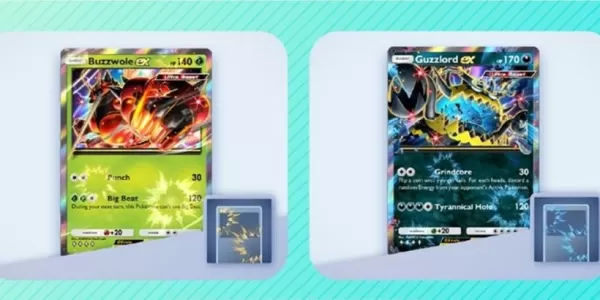 Pokémon TCG Pocket's latest Mass Outbreak event has begunUltra Beasts return to the spotlightComplete challenges or use Wonder Pick to acquire missing cards or obtain entirely new additionsFor Pokémon Trading Card Game Pocket enthusiasts, the recentAuthor : Aaliyah Mar 04,2026

















- Retro-Style Arcade Racer Victory Heat Rally Is Coming To Mobile Soon Via Crunchyroll!
- Crunchyroll Game Vault adds Battle Chasers: Nightwar, Dawn of the Monsters, Evan’s Remains and more
- DISCOVERY CHANNEL TO UNVEIL CROSSOVER IN 'Reverse: 1999' 2.0
- Hotta Studio's Open-World RPG, Neverness to Everness, Announced
- Military Strategy Game Warpath Launches a Navy Update with 100 New Ships
- Half-Life 3 Speculations Spark Again as Risk of Rain Original Devs Join Valve's Game Dev Team